
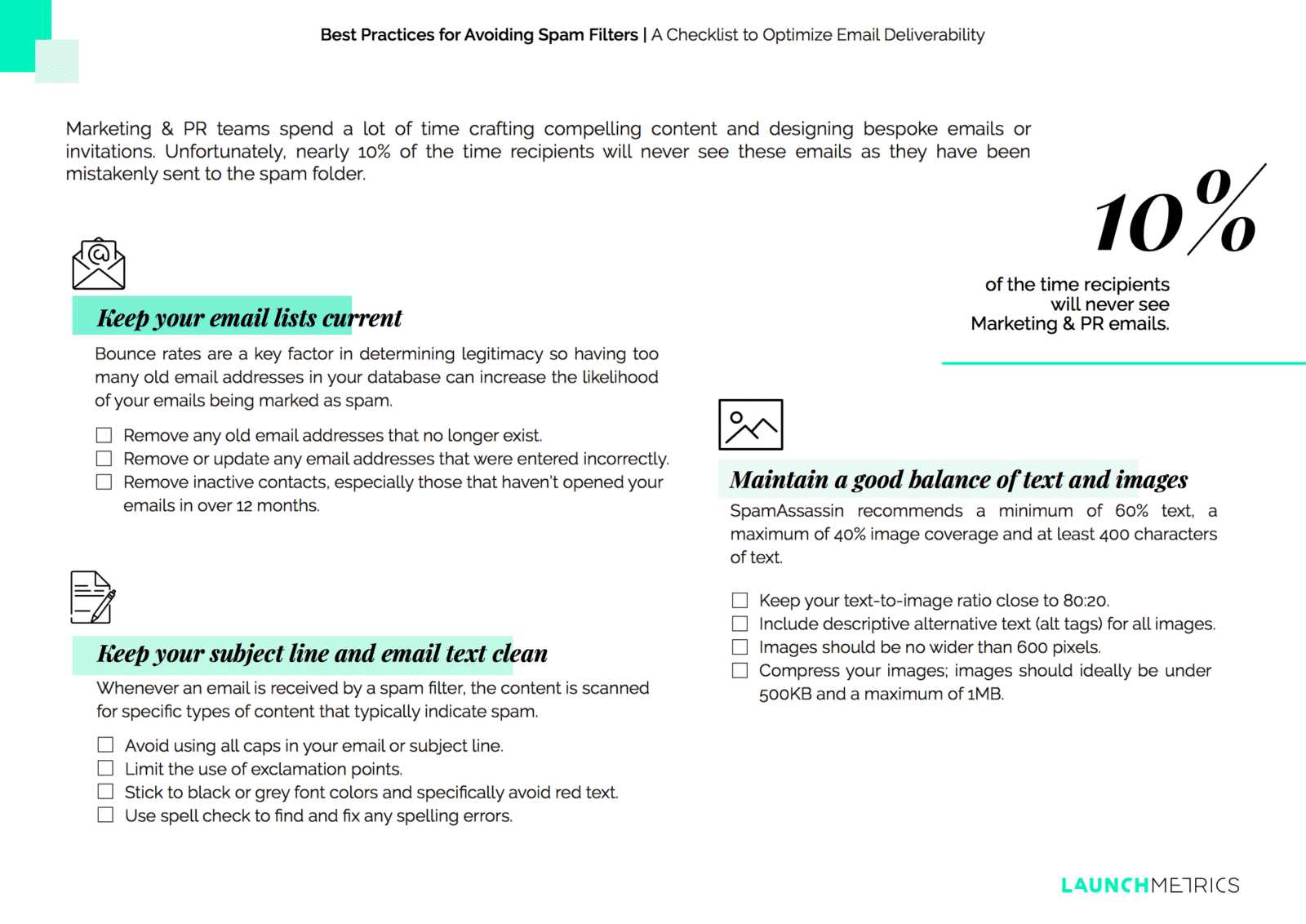
To keep your emails out of the spam folder, striking the right balance between images and text is key. Too many images can trigger spam filters, while too little may make your message look plain and untrustworthy. The trick is to mix clear, relevant images with well-crafted text, ensuring your message is engaging without raising red flags. Using a moderate amount of images, incorporating alt text, and maintaining a good text-to-image ratio can significantly improve your chances of landing in the inbox instead of spam. Consistency and relevance are crucial—focus on creating informative content that doesn’t look overly promotional or suspicious.
Ensuring your emails are balanced with the right ratio of images and text helps prevent spam filters from flagging your messages. Using descriptive alt text, avoiding excessive graphics, and maintaining a natural flow in your content improve deliverability. These simple yet effective strategies keep your communications trustworthy and engaging.
When it comes to avoiding spam filters, managing the balance between images and text in your emails is crucial. Overloading your message with images can make it appear as spam, while too much text might seem dull or untrustworthy. By maintaining an appropriate ratio—think about 60-70% text and 30-40% images—and including descriptive alt text for all images, you improve your email’s chances of reaching the inbox. Additionally, focus on creating relevant content that adds value, avoid spammy language, and ensure your email design looks professional and trustworthy. These small adjustments can make a big difference in successful email campaigns and ensure your message gets seen.

How to balance images and text to avoid spam filters
Ensuring your emails reach your audience’s inbox is a top priority for marketers and content creators. Properly balancing images and text helps avoid spam filters that often flag emails with certain characteristics. This guide explores effective strategies for creating email content that looks good and gets delivered.
The importance of balancing images and text
Spam filters analyze email content for signals that indicate spam. Excessive images or very little text can raise suspicions. Including an appropriate amount of both helps your email appear authentic and trustworthy. This balance also enhances reader engagement and comprehension.
Understanding spam filter criteria
Key factors used by spam filters
- Image-to-text ratio: Emails with many images and little text are often flagged.
- Image size and dimensions: Large, uncompressed images can slow loading and trigger spam warnings.
- Alt text usage: Missing alt tags on images suggests spam or poorly designed emails.
- Keyword density: Excessive use of promotional or suspicious keywords raises red flags.
Why balance matters
By maintaining an optimal image-to-text ratio, you minimize the risk of your emails being marked as spam. You also ensure recipients can read and understand your message easily, regardless of their device or email client.
Best practices for incorporating images
Choose high-quality, relevant images
Select images that support your message and resonate with your audience. Avoid stock images that look generic, and opt for authentic visuals whenever possible. Clear, professional images boost credibility and visual appeal.
Optimize image size and format
- Compress images to reduce file size without losing quality.
- Use suitable formats like JPEG for photographs and PNG for graphics with transparency.
- Stick to maximum dimensions of 600 to 800 pixels wide for mobile compatibility.
Use descriptive alt text
Alt text describes images for email clients that block images or for users with visual impairments. Make alt tags descriptive yet concise, emphasizing the image’s purpose and content.
Effective text strategies for emails
Craft compelling, balanced copy
- Write clear and engaging sentences that complement your images.
- Include relevant keywords naturally to improve SEO without overstuffing.
- Use short paragraphs and bullet points to enhance readability.
Maintain an appropriate text length
A good rule of thumb is at least 60% text relative to images. This ratio shows your email is substantive and trustworthy. Too little text triggers spam filters; too much can overwhelm the reader.
Incorporate calls to action (CTAs)
Include clear and visible CTAs within your text. This encourages engagement and guides readers through your content smoothly. Make sure CTAs are relevant and naturally integrated into the message.
Design tips for a balanced email layout
Use a clean, mobile-responsive design
Responsive layouts adjust seamlessly across devices, improving user experience. A simple, uncluttered design helps avoid spam triggers related to overly complex or chaotic layouts.
Employ inline CSS and minimal code
Spam filters often flag emails with hidden or overly complicated code. Use inline styles for consistent rendering and keep your HTML simple and straightforward.
Test your email before sending
- Use email testing tools to check how your message appears across platforms.
- Verify that images load properly and alt texts display correctly.
- Ensure your email passes spam filter tests with tools like MailTester or GlockApps.
Additional tips for avoiding spam filters
Maintain a healthy sender reputation
Use consistent sender information, avoid spammy subject lines, and keep your mailing list clean by removing inactive addresses. These practices improve deliverability over time.
Personalize your emails
Personalization increases relevance and reduces the chance of being marked as spam. Use recipient names and tailor content based on preferences or past interactions.
Monitor engagement metrics
Track open rates, click-through rates, and bounce rates to identify issues. Adjust your email strategies accordingly to enhance engagement and reduce spam complaints.
Tools and resources for balancing images and text
- Canva or Adobe Spark: Create optimized visuals with professional design tools.
- Email testing services: GlockApps, MailTester, Litmus for preview and spam analysis.
- Image compression tools: TinyPNG, Compressor.io for reducing file size.
Summary
Equally balancing images and text in your emails requires careful planning and execution. Focus on selecting quality visuals, optimizing image size, and crafting engaging text that complements images. Use a clean, mobile-friendly design and test thoroughly before sending. These steps help your emails avoid spam filters and reach your audience effectively.
How Do I Avoid Spam Filters With Email Promotional Design? – Graphic Design Nerd
Frequently Asked Questions
What strategies can I use to ensure a proper balance between images and text in my emails?
To achieve a good balance, include enough text to clearly communicate your message and avoid making images the sole focus. Use a mix of descriptive text and visual elements, and ensure that the images support the content rather than replace it. Test your emails on different devices to see how they appear and make adjustments accordingly.
How can I optimize image-to-text ratio to prevent my emails from being marked as spam?
Maintain a ratio where the majority of your email consists of text, typically around 60-70%, with images making up the remaining portion. Avoid large, image-heavy layouts and ensure that important information is conveyed through text. Compress images to reduce load times and prevent emails from being flagged for slow rendering.
What are some common pitfalls when balancing images and text that may trigger spam filters?
Using too many images without enough accompanying text can raise spam suspicion. Also, including generic image names and lacking alternative text can contribute to spam flags. Avoid embedding large images directly into your emails and steer clear of spam trigger keywords in image filenames and content. Regularly review your email content to maintain a healthy balance.
How does adding alt text to images help in maintaining a good email balance and avoiding spam filters?
Adding descriptive alt text ensures that your message remains understandable even if images do not load. Alt text provides context and supports your content, helping spam filters recognize the email as legitimate. It also improves accessibility for users who rely on screen readers, enhancing overall email quality.
Are there tools or techniques that can automatically help manage image and text balance in email campaigns?
Yes, many email marketing platforms include templates and analytics tools that suggest optimal image-to-text ratios. Some also offer spam score checkers that evaluate your email’s content and layout, providing guidance on adjustments. Using these tools helps you craft emails that are engaging yet less likely to trigger spam filters.
Final Thoughts
How to balance images and text to avoid spam filters is crucial for effective email marketing. Use a healthy mix of images and text, ensuring the message remains clear. Keep images optimized and avoid excessive use of visuals that may trigger spam warnings. Incorporate relevant keywords naturally, maintaining readability.
By paying attention to this balance, you increase deliverability and engagement. Focus on creating valuable content that appeals both visually and textually. Ultimately, understanding how to balance images and text to avoid spam filters helps improve your email success rate.