
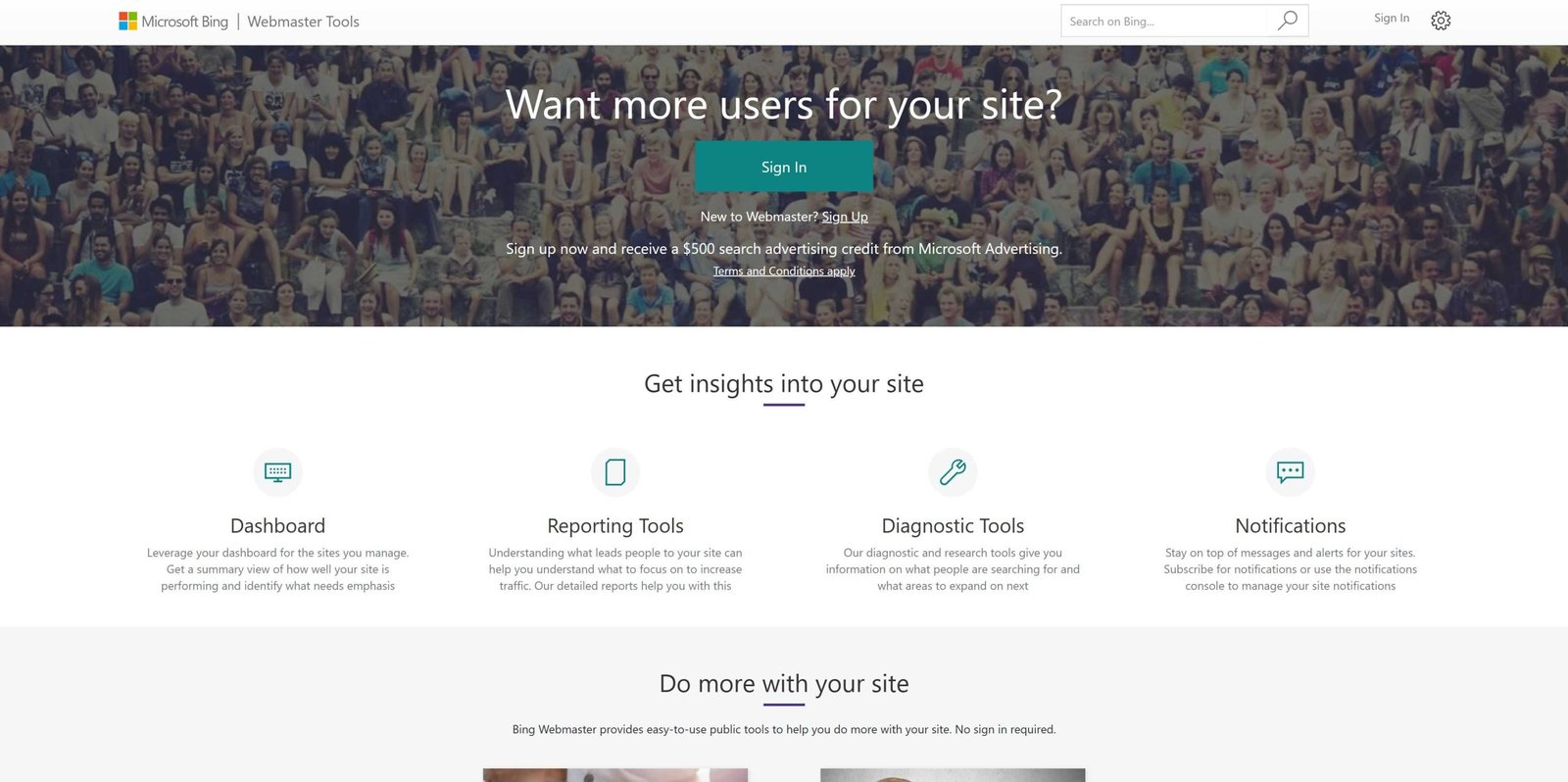
Quick answer: Use Bing Diagnostics to quickly spot SEO issues by analyzing crawl errors, index status, and performance metrics. This tool provides actionable insights to improve your site’s visibility.
Want to optimize your website’s SEO using Bing? The key is understanding how to interpret Bing Diagnostics data. This powerful tool helps you identify common issues like crawl errors, indexing problems, or slow load times that might be holding your site back. By regularly checking your site’s health reports, you can catch problems early and make informed fixes before they affect your rankings. Whether you’re a seasoned SEO pro or just starting out, leveraging Bing Diagnostics is a smart way to gain a clearer picture of your site’s performance and boost your visibility on Bing search results. Staying proactive with this tool ensures your site stays optimized and competitive in the ever-changing digital landscape.

How to identify SEO issues using Bing diagnostics
Understanding Bing Diagnostics and Its Role in SEO
Bing Diagnostics is a powerful tool provided by Bing Webmaster Tools that helps website owners analyze their site’s performance. It offers insights into how Bing views your website and highlights issues that could harm your search rankings. Using Bing Diagnostics regularly can prevent many SEO problems before they escalate.
This tool is especially helpful because it covers common SEO factors such as crawling, indexing, and site health. It provides real-time data, making it easier to spot errors quickly. By understanding how Bing Diagnostics works, you can address problems efficiently and improve your site’s visibility.
Accessing Bing Diagnostics and Setting Up Your Website
To start, sign in to Bing Webmaster Tools with your Microsoft account. Once logged in, add your website to your dashboard if you haven’t already. Verify your site ownership by following the provided methods, such as adding a meta tag or uploading a file.
After verification, navigate to the Diagnostics section. Here, Bing automatically scans your website and generates reports. It’s essential to check these reports frequently to catch issues early. You can also set up email alerts to stay informed about new problems.
Key Areas Covered by Bing Diagnostics
Bing Diagnostics evaluates multiple aspects of your website, including:
- Crawlability and accessibility
- Indexing status
- Site speed and performance
- Mobile usability
- Security issues
- URL errors and broken links
Understanding these areas helps you focus on the most critical SEO improvements. Each category provides specific details to guide your corrective actions.
Identifying Crawl Errors and How to Fix Them
One common issue flagged by Bing Diagnostics involves crawl errors. These occur when Bing’s crawler cannot access certain pages on your website. Examples include 404 not found errors or server issues.
To resolve crawl errors:
- Review the list of problematic URLs provided in the diagnostics report.
- Check if the URLs are correct and live on your server.
- If pages are missing intentionally, use proper redirects to relevant pages.
- Fix server errors or revise your robots.txt file if it is blocking important pages.
Ensuring Bing can crawl all relevant pages increases your chances of indexing your content properly.
Monitoring and Improving Site Indexing
Indexing status indicates which pages Bing has included in its search database. Problems here can limit your site’s visibility. Bing Diagnostics highlights pages that are excluded from indexing.
To improve indexing:
- Identify pages marked as ‘Excluded’ and review reasons such as noindex tags or robots.txt blocks.
- Remove unnecessary noindex tags if those pages should appear in search results.
- Update your robots.txt file to allow Bing to crawl important pages.
- Use the Submit URL feature to request Bing to crawl new or updated pages.
Regularly monitoring indexing reports ensures your site’s essential pages are visible to searchers.
Evaluating Mobile Usability and Responsiveness
Since a large portion of users browse on mobile devices, Bing Diagnostics evaluates mobile-friendliness. Issues like small fonts, clickable elements too close together, or slow mobile loading can severely impact SEO.
To fix mobile usability issues:
- Test your site using Bing’s mobile assessment tools.
- Ensure text sizes are legible without zooming.
- Optimize images and scripts for faster mobile loading times.
- Adjust layouts to fit different screen sizes comfortably.
A mobile-optimized site provides a better user experience and improves your search rankings in Bing.
Assessing Site Speed and Performance
Site speed is a critical SEO factor, and Bing Diagnostics provides detailed reports on loading times. Slow sites can increase bounce rates and lower rankings.
Steps to improve site speed:
- Identify pages with high load times in the diagnostics report.
- Optimize images by compressing without losing quality.
- Minimize code, such as CSS and JavaScript files.
- Leverage browser caching and CDN services to deliver content faster.
Regularly testing your site’s speed helps maintain a competitive position in search results.
Checking for Security and HTTPS Issues
Bing Diagnostics flags security problems like the absence of HTTPS, expired certificates, or mixed content issues. Security is a ranking factor, and compromised sites can harm user trust.
To address security issues:
- Ensure your site uses an SSL certificate and loads over HTTPS.
- Resolve mixed content warnings by updating links to secure versions.
- Regularly renew certificates before expiry dates.
A secure website not only boosts SEO but also builds visitor confidence.
Reviewing URL Structure and Broken Links
Broken links or poorly structured URLs can negatively impact user experience and SEO. Bing Diagnostics scans for non-functional links and URLs that are difficult to read.
Actions to take:
- Identify and fix broken links by updating or removing them.
- Use descriptive, keyword-rich URLs that are easy to understand.
- Avoid using unnecessary parameters or lengthy URL strings.
Consistent, clean URL structures help both users and search engines understand your content better.
Utilizing Bing Diagnostics Data for Continuous Improvement
The data collected from Bing Diagnostics should be a part of your ongoing SEO strategy. Regularly review reports and track your progress over time.
Create a checklist for recurring issues:
- Monthly crawl error review
- Weekly site speed tests
- Bi-weekly mobile usability assessments
- Quarterly security scans
Tracking changes and improvements allows you to see what works best and adjust your strategies accordingly.
Additional Tips for Effective Use of Bing Diagnostics
To maximize the benefits:
- Integrate Bing Diagnostics insights with other SEO tools like Google Search Console for a comprehensive view.
- Keep your website updated with fresh content and technical improvements.
- Pay attention to user metrics like bounce rates and dwell time to complement diagnostic data.
- Educate your team on SEO best practices to prevent common issues.
Taking a holistic approach improves your site’s health and its performance in Bing search results.
Using Bing Diagnostics efficiently requires consistency and attention to detail. Regular checks help you identify and fix SEO issues before they impact your visibility. Maintaining a healthy, fast, and secure website ensures you get the most out of Bing’s search capabilities. By understanding and applying the insights from Bing Diagnostics, you can better optimize your site for search engines and improve your overall online presence.
Bing Location Tool – Location Based Bing Search for Local SEO
Frequently Asked Questions
What indicators in Bing diagnostics suggest crawling issues on my website?
Bing diagnostics highlight crawling issues through error messages and status codes, such as 404 (Page Not Found) or 500 (Server Error). The tool also points out if pages are blocked by robots.txt or meta tags. Regularly reviewing these indicators helps you identify pages that Bing cannot access, allowing you to rectify server or configuration problems promptly.
How can I analyze website performance metrics in Bing diagnostics to spot potential SEO problems?
Bing diagnostics provides performance data like page load times and mobile responsiveness. Slower loading pages or those with poor mobile compatibility can negatively affect your SEO. By monitoring these metrics, you can pinpoint pages that underperform and take steps to optimize images, improve server response times, or enhance mobile design, boosting overall site visibility.
What role do URL errors in Bing diagnostics play in maintaining SEO health?
URL errors such as broken links or redirect issues displayed in Bing diagnostics can prevent search engines from indexing your content correctly. Addressing these errors ensures that Bing can crawl and index your pages effectively. Regularly checking for and fixing URL problems maintains site integrity and enhances your search visibility.
How does the diagnostic tool help identify duplicate content problems that may affect rankings?
Bing diagnostics can indicate duplicate content issues by warning about similar or identical pages. Duplicate content can confuse search engines and dilute page authority. By identifying these issues, you can implement canonical tags or consolidate similar pages, ensuring each page has unique content and improving your SEO performance.
In what ways can Bing diagnostics assist in monitoring website security and its impact on SEO?
The tool detects security vulnerabilities like malware or HTTPS misconfigurations. Security issues can lead to search engine warnings or penalties, harming your search rankings. Promptly addressing these concerns through Bing diagnostics helps maintain a secure site, encouraging trust from both users and search engines, thereby supporting your SEO efforts.
Final Thoughts
To identify SEO issues using Bing diagnostics, start by analyzing your website’s performance reports. These tools highlight crawl errors, broken links, and indexing problems clearly. Review the suggested actions and implement necessary fixes promptly.
Regularly monitoring Bing diagnostics helps you stay ahead of potential SEO pitfalls. By addressing issues early, you improve your site’s visibility and ranking. In conclusion, understanding how to identify SEO issues using Bing diagnostics ensures smoother website optimization.