
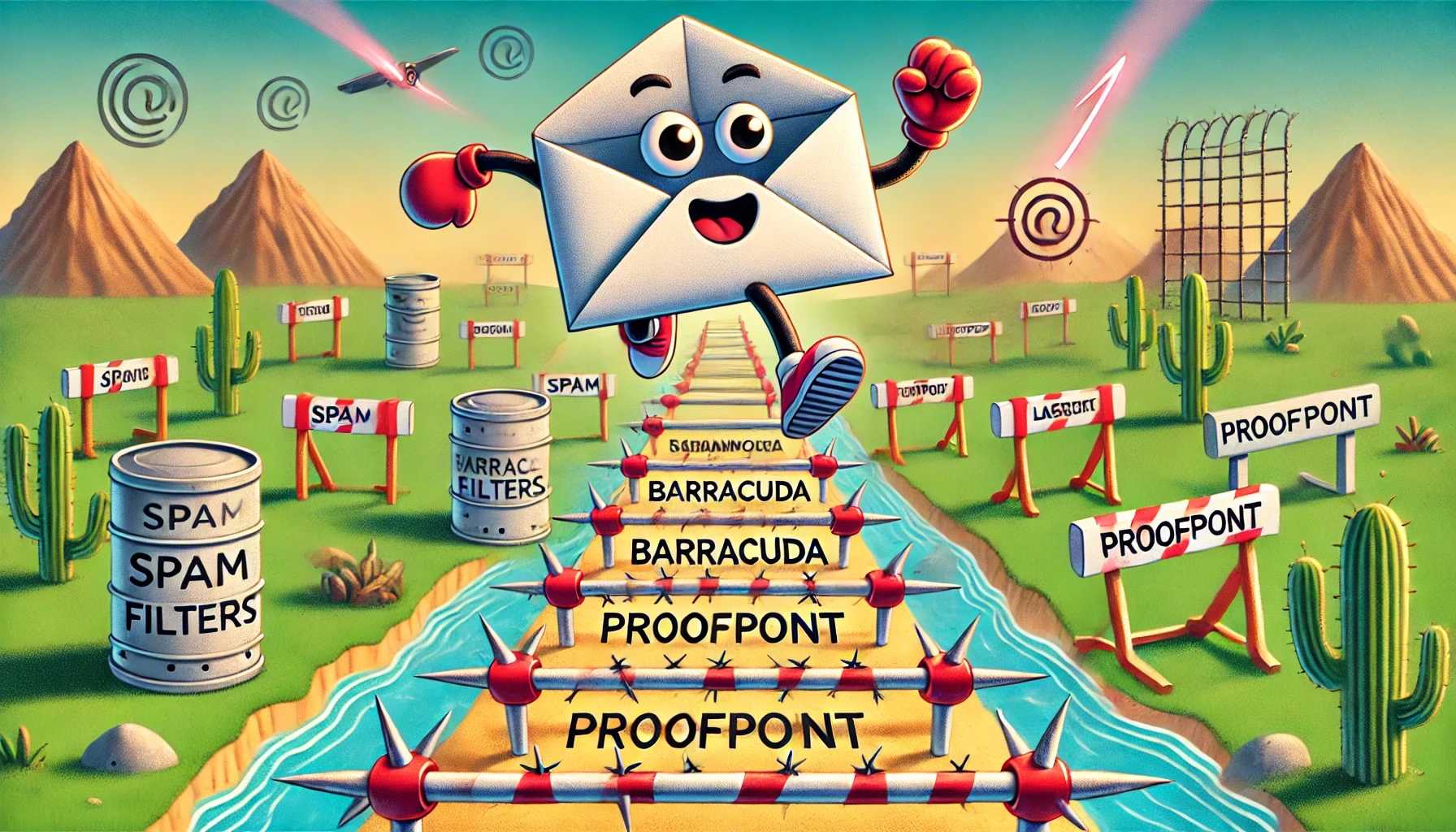
To dodge spam filters in cold email campaigns, focus on personalized content, maintain proper email hygiene, and avoid triggering words or spammy formatting. Using a reputable sender address and including clear opt-out options also improve deliverability. Stay genuine, keep your emails relevant, and monitor your metrics to stay ahead of spam filters.
To avoid spam filters in cold email campaigns, it’s essential to craft personalized messages that resonate with recipients, use a professional tone, and avoid common spam trigger words. Ensuring your email list is clean and engaged, along with consistent sending practices, helps improve your inbox placement. Regularly testing and adjusting your campaigns will keep your outreach effective and ensure your emails reach the right audience.
Sending cold emails can feel like walking a tightrope—your goal is to reach prospects without tripping the spam filter. A successful campaign requires more than just a catchy subject line; it involves building trust through personalized, relevant messages and maintaining good sending habits. From choosing the right words to managing your email list properly, small adjustments can make a big difference in ensuring your emails land in your prospects’ inboxes instead of the spam folder.

How to avoid spam filters in cold email campaigns
Sending cold emails can be a powerful way to grow your business or connect with potential clients. However, many of these emails never reach the inbox because spam filters block them. Understanding how spam filters work and knowing how to avoid them is key to successful cold email outreach.
Understanding How Spam Filters Work
Spam filters analyze emails using various criteria to decide if they are unwanted or suspicious. These filters look for signs such as certain keywords, excessive links, or poor formatting. If these signs are present, the email may be moved to spam or rejected outright.
Most spam filters use a combination of keyword scanning, sender reputation, and user engagement metrics. This means that both the content of your email and the reputation of your domain impact deliverability.
Crafting Emails That Avoid Spam Traps
Use a Clear and Relevant Subject Line
The subject line is the first thing filters analyze. Avoiding spammy words like “free,” “urgent,” or “winner” can improve your chances of reaching the inbox. Instead, focus on clear, honest language that relates directly to your email’s content.
Write Personal, Genuine Content
Spam filters often flag generic or overly promotional emails. Personalization helps your email seem more trustworthy and less suspicious. Use the recipient’s name and reference specific details relevant to them.
Avoid Excessive Use of Links and Attachments
Too many links or attachments can make an email look risky. Limit links to one or two relevant URLs and only attach files when necessary. Always ensure links are to reputable sites.
Optimizing Email Structure for Better Delivery
Use Proper HTML and Plain Text Versions
Many spam filters check for HTML coding issues. Send emails with clean HTML code and include a plain text version. This helps email clients and spam filters interpret your message correctly.
Maintain a Well-Formatted, Professional Layout
A cluttered or sloppy design raises suspicion. Use consistent fonts, clear headings, and avoid large images or banners that look like ads. Keep your layout simple and professional.
Managing Your Sender Reputation
Build a Clean Email List
Only send emails to recipients who have opted in or shown interest. Purchasing lists or using outdated contacts increases spam complaints and harms your reputation.
Implement Double Opt-In
This process ensures the recipient genuinely wants to receive your emails. It confirms their consent and reduces bounce rates, which positively impacts deliverability.
Use a Recognizable and Trustworthy Sender Name
Always send emails from a consistent, professional sender name and email address. Avoid using no-reply addresses that can frustrate recipients and trigger spam filters.
Technical Settings That Improve Email Delivery
Configure SPF, DKIM, and DMARC Records
These DNS records authenticate your emails and tell spam filters that your messages are legitimate. Proper setup reduces the chance of your emails being flagged or rejected.
Maintain Good IP Reputation
If you send high volumes of email, use reputable SMTP servers. Avoid shared IPs that have a poor reputation, as this can impact all emails sent from that server.
Monitor Bounce and Complaint Rates
High bounce or spam complaint rates damage your sender reputation. Regularly clean your list and promptly remove invalid addresses or unresponsive recipients.
Best Practices for Cold Email Campaigns
Personalization and Relevance
Personalized emails increase engagement and reduce the likelihood of being marked as spam. Tailor your message to each recipient’s needs and interests.
Timing and Frequency
Send emails at appropriate times and avoid excessive follow-ups. Too many messages in a short period can annoy recipients and trigger spam complaints.
Testing and Monitoring
Always test your emails before a full campaign. Check how your email appears across various devices and spam filters. Use analytics to monitor open rates and engagement.
Leveraging Tools and Resources
Email Verification Services
Use tools to verify email addresses before sending. This reduces bounce rates and improves your sender reputation.
Spam Filter Testing Tools
Utilize services that scan your emails for potential spam triggers. They provide suggestions for improvements to enhance deliverability.
Analytics and Feedback Loops
Set up feedback loops with ISPs to learn about spam complaints. Use this data to adjust your campaign strategies accordingly.
Common Mistakes to Avoid
- Sending Without Permission: Always ensure your recipients have opted in.
- Using Spammy Language: Avoid excessive capitalization, exclamation points, or misleading phrases.
- Ignoring Technical Settings: Properly configure SPF, DKIM, and DMARC records.
- Overloading Emails with Links or Images: Keep your emails simple and focused.
- Neglecting List Hygiene: Regularly clean your email list to remove inactive or invalid contacts.
To ensure your cold emails reach the right inboxes, focus on creating relevant, personalized content and maintaining a strong technical foundation. Keep your sender reputation clean by adhering to best practices and respecting recipients’ preferences. Regularly test and monitor your campaigns to identify and resolve issues before they impact your deliverability. With these strategies, you can significantly improve your chances of bypassing spam filters and building meaningful connections through cold emailing.
How to Avoid Cold Emails Going to Spam FAST (Full Tutorial 2025)
Frequently Asked Questions
What are common mistakes to avoid that can trigger spam filters during cold email campaigns?
Avoid using overly promotional language, spam-trigger words, and excessive punctuation or capitalization. Sending emails with misleading subject lines or including too many images and links can also raise red flags. Ensure your content remains relevant and personalized to reduce the risk of being marked as spam.
How can I improve my email sender reputation to avoid spam filters?
Maintain a consistent sending schedule and avoid sudden increases in email volume. Regularly clean your mailing list by removing inactive or invalid email addresses. Use authentication methods like SPF, DKIM, and DMARC to verify your identity and establish trustworthiness with email providers.
Are there specific email formatting practices that help evade spam detection?
Use plain text or well-designed HTML with clear, professional formatting. Avoid excessive use of large fonts, bright colors, or animated elements. Incorporate personalized greetings and avoid all caps or exaggerated punctuation, as these can trigger spam filters.
How important is personalization in avoiding spam filters in cold emails?
Personalizing your emails by addressing recipients by name and referencing their specific interests or needs makes your messages more genuine. Customized content reduces the likelihood of your email being flagged as spam and increases engagement with your audience.
What role does sender reputation play in landing in the inbox instead of spam?
Your sender reputation directly impacts your ability to reach the inbox. Consistently sending relevant, respectful emails and maintaining good list hygiene builds trust with email servers. Avoiding spam complaints and bounce backs also helps preserve a positive reputation.
Final Thoughts
To avoid spam filters in cold email campaigns, focus on crafting personalized messages that resonate with recipients. Avoid using spam-triggering words and excessive capitalization. Keep your email content genuine and relevant to foster trust. Always include a clear call-to-action and ensure your email design is simple and professional. Following these practices will help your emails reach your audience effectively while reducing the chances of being flagged as spam.
Recommended Email Marketing


