
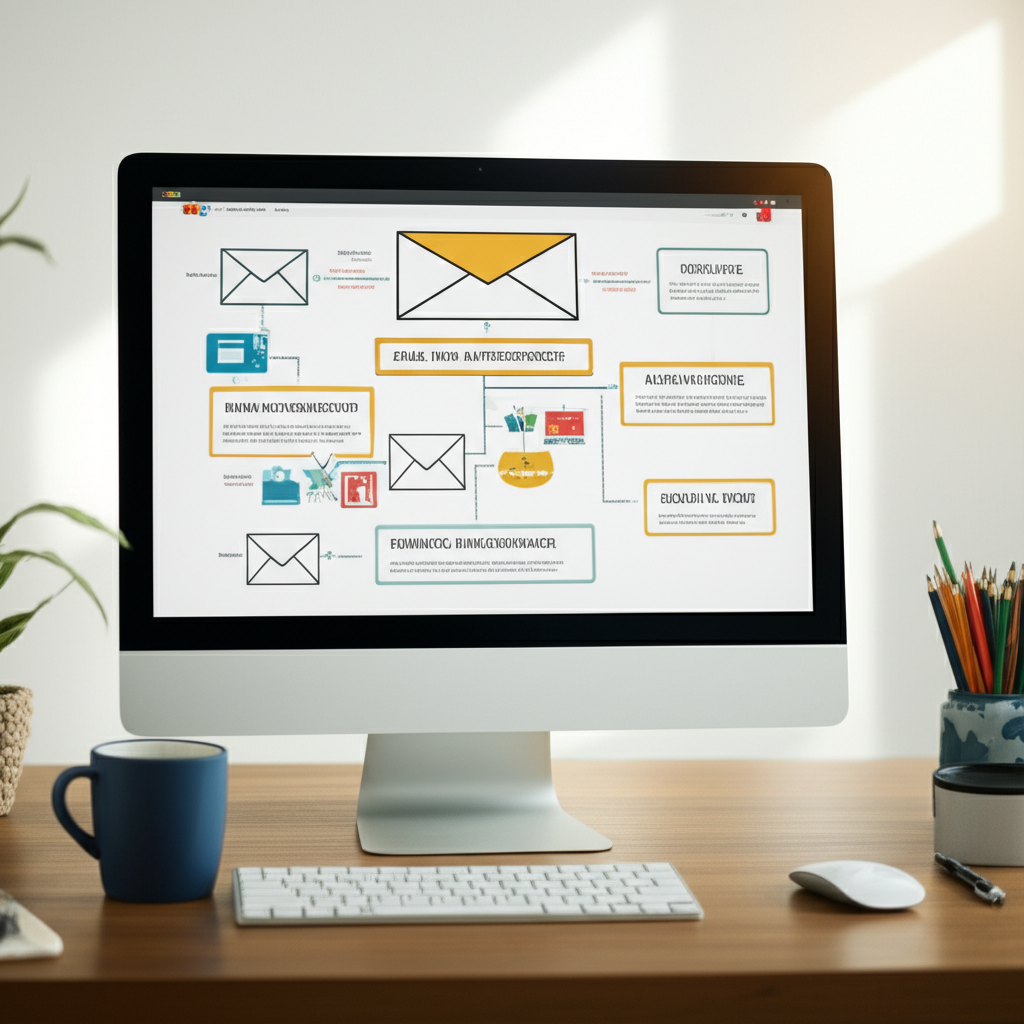
What is an email marketing autoresponder? It’s your super helpful assistant that sends emails automatically! Think of it as a friendly bot that talks to your customers for you, sending welcome messages, reminders, and helpful tips at just the right time. It makes email marketing easy and saves you tons of time, helping you connect with people without lifting a finger for every single email.
Hey there! So, you’re diving into the awesome world of email marketing? That’s fantastic! But maybe you’ve heard terms like “autoresponder” and felt a little… well, confused? Don’t worry, a lot of people do at first!
Email marketing can feel like a big puzzle sometimes, with all the different pieces. You want to talk to your customers, right? You want to share your cool stuff and build friendships. But sending emails one by one to everyone? That sounds like a LOT of work, and who has that kind of time?
That’s where this amazing thing called an email marketing autoresponder swoops in to save the day! We’re going to break it down, super simple, so you can see just how easy and powerful it is. Get ready to feel super smart and ready to make your email marketing shine!
What Exactly is an Email Marketing Autoresponder?
Imagine you have a magic helper. This helper knows exactly what to say and when to say it, all on its own. That’s pretty much what an autoresponder does for your emails!
In simple terms, an email marketing autoresponder is a tool that automatically sends out pre-written emails to people based on certain actions they take. It’s like setting up a chain reaction of emails that happen without you having to do anything each time.
Think of it as your personal email assistant, always on duty, making sure the right message gets to the right person at the right moment. Pretty cool, right?
Why Should You Care About Autoresponders? They’re Like Superpowers for Your Business!
Okay, so it sends emails automatically. Why is that a big deal? Because it does so much more than just send emails! Autoresponders are like the secret sauce for building relationships and growing your business online.
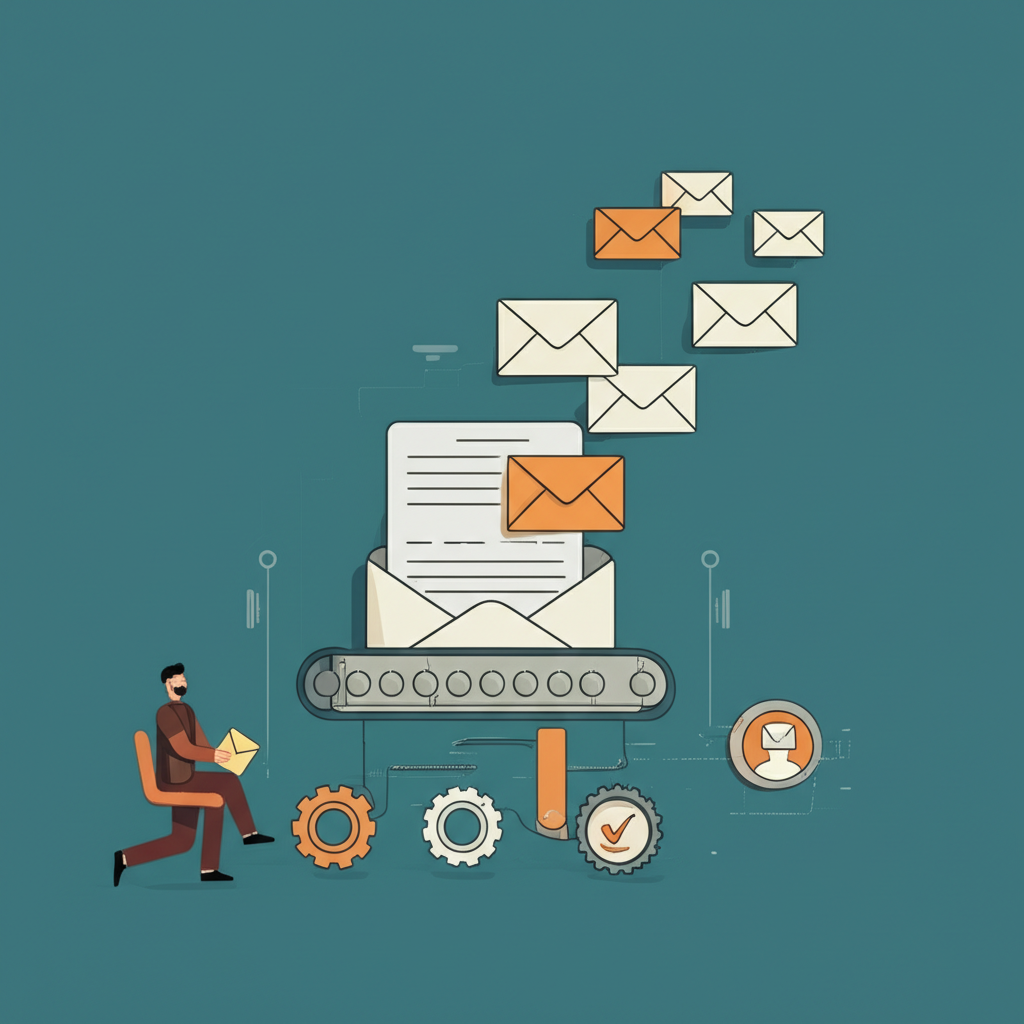
Here’s why they are your new best friends:
- Saves You Loads of Time: This is the biggest win! Instead of manually sending emails, you set them up once, and they run on their own.
- Nurtures Your Leads: You can send a series of emails to welcome new subscribers, teach them about your product, or build trust.
- Boosts Sales: Imagine automatically sending a discount code to someone who just viewed a product, or a reminder about an abandoned cart.
- Keeps You Connected: Even when you’re busy, your autoresponder is there, keeping your audience engaged.
- Personalizes the Experience: You can send emails based on what people are interested in, making them feel special.
How Do Autoresponders Actually Work? Let’s Peek Under the Hood!
It might sound complicated, but the idea is simple. Autoresponders work on something called “triggers” and “actions.”
A trigger is something a person does. For example:
- They sign up for your newsletter.
- They buy a product.
- They click a link in one of your emails.
- They visit a specific page on your website.
An action is what the autoresponder does when that trigger happens. For example:
- Send a “Welcome!” email.
- Send a “Thank You for Your Purchase!” email.
- Send a follow-up email with more info.
- Send a special offer email.
You, the smart marketer, set up these “if this, then that” rules. Your email marketing service then watches for the “if this” (the trigger) and automatically sends the “then that” (the email).
Common Types of Autoresponder Emails (Your Go-To List!)
Autoresponders can do many things, but here are some of the most popular and useful types of email sequences you can set up:
1. Welcome Series
This is often the very first thing people experience when they join your email list. It’s your chance to make a great first impression!
- Email 1: Welcome & Thank You! Thank them for signing up, confirm what they can expect, and maybe share a quick tip or a special discount.
- Email 2: Introduce Yourself/Your Brand. Tell your story. Why did you start this? What’s your mission? People love connecting with the person or story behind the business.
- Email 3: Highlight Your Best Stuff. Show them what you offer. Link to your popular products, blog posts, or services.
- Email 4: Build Trust & Social Proof. Share testimonials, case studies, or reviews. Show them why others love what you do.
- Email 5: Call to Action. Gently encourage them to take the next step, like making a purchase, booking a call, or exploring a specific section of your site.
2. Abandoned Cart Series
This is a lifesaver for online stores! If someone adds items to their cart but leaves without buying, an autoresponder can gently remind them.
- Email 1: Friendly Reminder. “Did you forget something?” Show them the items left in their cart.
- Email 2: Offer Help or a Small Discount. “Need help completing your order?” or “Here’s 10% off to help you decide!”
- Email 3: Last Chance Offer. Create a sense of urgency if appropriate.
3. Product/Service Onboarding Series
If you sell a product or service that people need a little help to get started with, this is perfect.
- Email 1: Getting Started Guide. Link to setup instructions, tutorials, or FAQs.
- Email 2: Quick Wins & Tips. Show them how to achieve their first success with your product.
- Email 3: Advanced Features. Introduce them to more powerful ways to use what they bought.
- Email 4: Check-in & Support. Ask if they have questions and point them to your support team.
4. Lead Nurturing Series
For people who aren’t quite ready to buy yet, this series helps build a relationship and educate them.
- Email 1: Deliver the Freebie. If they signed up for an ebook or checklist, send it here.
- Email 2: Related Content. Share a helpful blog post or video that addresses a problem they might have.
- Email 3: Case Study or Success Story. Show how others have benefited.
- Email 4: Gentle Product/Service Intro. Explain how your offering can solve their problem.
5. Re-engagement Series (Win-Back Emails)
If someone hasn’t opened your emails in a while, you might want to try and bring them back!
- Email 1: “We Miss You!” A simple check-in.
- Email 2: Special Offer. “Here’s a discount just for you!”
- Email 3: “What Changed?” Ask them what kind of content they’d prefer or if they want to stay subscribed. You might even offer an “unsubscribe” option here to clean your list.
Choosing the Right Email Marketing Service (Your Autoresponder Hub!)
You can’t have an autoresponder without an email marketing service! These platforms are where you’ll write your emails, set up your automations, and manage your list. There are many great options out there, and the best one for you depends on your needs and budget.
Here’s a quick look at some popular choices:
| Service Name | What Makes It Great for Beginners | Key Autoresponder Features | Good For |
|---|---|---|---|
| Mailchimp | Very user-friendly interface, lots of helpful guides. | Drag-and-drop email builder, visual automation workflow builder. | Small businesses, freelancers, beginners. |
| ConvertKit | Focuses on creators, great for bloggers and artists. Simple automation. | Visual automations, easy to tag subscribers based on actions. | Bloggers, online course creators, artists. |
| ActiveCampaign | More advanced automation, but still manageable. Powerful features. | Sophisticated visual automation builder, CRM integration, segmentation. | Growing businesses, those needing advanced workflows. |
| MailerLite | Generous free plan, easy to use, good for simple needs. | Simple automation builder, drag-and-drop editor. | Startups, small businesses on a budget. |
| HubSpot Marketing Hub | Offers a free CRM and tools. Great for businesses that want everything in one place. | Visual workflow builder, extensive automation capabilities. | Businesses looking for an all-in-one marketing and sales solution. |
Many of these offer free plans to get you started, which is perfect when you’re just beginning. You can explore their features and see which one feels like a good fit for you.
Setting Up Your First Autoresponder: A Simple Walkthrough
Ready to get your hands dirty? Let’s walk through a super simple example: setting up a welcome email for new subscribers.
Step 1: Choose Your Email Service. Pick one from the list above (or another you like!) and sign up. Many have free trials or free plans.
Step 2: Create Your Welcome Email. Log in to your service. Look for an option like “Create Email” or “Email Templates.” Write a friendly email. Here’s a simple idea:
Subject: Welcome to the [Your Brand Name] Family! 👋
Body:
Hi [First Name],
So happy to have you join us! Thanks for signing up for our newsletter. We’re excited to share [mention what you’ll share, e.g., tips, updates, special offers] with you.
While you wait for our next email, why not check out our most popular [link to blog post/product]?
Talk soon!
Best,
The [Your Name/Brand Name] Team
Step 3: Find the Automation/Autoresponder Section. In your email service, look for a section called “Automations,” “Workflows,” or “Autoresponders.”
Step 4: Create a New Automation. You’ll likely see options to start from scratch or use a template. For a welcome email, you’ll want to choose a trigger like “When a subscriber joins a list” or “When someone signs up.”
Step 5: Add Your Welcome Email to the Automation. Link the welcome email you created to this trigger. You can usually set it to send “immediately” after they sign up.
Step 6: Activate Your Automation! Turn it on. Now, whenever someone new subscribes to that specific list, they’ll automatically get your welcome email. Easy peasy!
Making Your Autoresponder Emails Awesome: Top Tips!
Just sending emails isn’t enough. You want them to be emails people want to open and read!
- Personalize Everything: Use their name! If you know their interests, tailor the emails.
- Keep it Short & Sweet: People are busy. Get to the point quickly.
- Use a Clear Subject Line: Make it interesting so they click.
- Have a Clear Call to Action (CTA): What do you want them to do next? Tell them!
- Mobile-Friendly Design: Most people read emails on their phones. Make sure it looks good there.
- Be Consistent: Stick to a schedule so people know when to expect emails from you.
- Test, Test, Test! Send emails to yourself and friends to see how they look and if the links work.
Good vs. Not-So-Good Email Performance: What to Aim For
How do you know if your emails are doing well? You look at a few numbers. Don’t get scared by numbers; they’re just clues to help you do better!
| Metric | What It Means | Good Example (Aim For!) | Needs Improvement |
|---|---|---|---|
| Open Rate | Percentage of people who opened your email. | 20% or higher | Below 15% |
| Click-Through Rate (CTR) | Percentage of people who clicked a link in your email. | 2% or higher | Below 1% |
| Unsubscribe Rate | Percentage of people who unsubscribed after getting your email. | Below 0.5% | Above 1% |
Remember, these are just general guides. What’s “good” can depend on your industry and what kind of email you’re sending!
Common Questions About Autoresponders (And Easy Answers!)
Got more questions buzzing around? That’s totally normal! Here are some you might be thinking about:
How can I start email marketing with no money?
Great question! Many email marketing services like MailerLite, Mailchimp, and HubSpot offer free plans. These plans let you send emails to a certain number of subscribers for free. You can start building your list and sending basic welcome emails without spending a dime!
How do I write subject lines people click?
Think curiosity, benefit, or urgency. Ask a question! Use emojis sparingly. Keep it short. For example: “You won’t believe this!” or “Your free guide is here!” or “Last chance for 20% off.”
How often should I email my list?
There’s no single perfect answer. For many, once a week or twice a month is a good start. The key is consistency and providing value. Don’t email just to email; make sure each email has a purpose and offers something useful or interesting to your subscribers.
How do I know if my email is working?
Check your stats! Look at your open rate (did they open it?), click-through rate (did they click a link?), and conversion rate (did they do what you wanted, like buy something?). These numbers tell you if your emails are interesting and effective.
How do I stop my emails from going to spam?
First, only email people who gave you permission to email them! Use a clear “from” name and email address. Make sure your emails have a clear unsubscribe link. Avoid spammy words like “FREE MONEY NOW.” Keep your content valuable and relevant. Regularly clean your list of inactive subscribers.
You’ve Got This!
See? An email marketing autoresponder isn’t some scary, complicated monster. It’s actually your friendly helper, ready to make your life easier and your business grow!
By setting up a few simple automated emails, you can welcome new friends, remind shoppers about their carts, and keep your audience engaged, all without a ton of extra work. It’s like having a marketing assistant who’s always on call, working hard for you even when you’re not.
So, take a deep breath, pick an email service, and try setting up just one autoresponder today. Maybe it’s that welcome email. You’ll be surprised at how empowering it feels to see those emails go out automatically, connecting you with your audience. You’re on your way to becoming an email marketing pro!