

Quick Summary:
Want more people to click your emails and buy? It’s about sending the right emails to the right people at the right time. We’ll show you simple ways to make your emails work harder, so you get more sales and happy customers. It’s easier than you think!
Hey there, welcome! I’m Jack from LTDWave!
So, you’ve started an email list. That’s awesome! But now you’re wondering, “How do I get people to actually open my emails, click on what I’m offering, and maybe even buy something?” It can feel a bit like shouting into the void sometimes, right?
Lots of folks find email marketing a little confusing at first. There are so many things to think about! But guess what? It doesn’t have to be scary or complicated.
Think of email marketing as a friendly chat with your potential customers. You’re building a connection, sharing value, and showing them why you’re great. We’re going to break down how to make those chats super effective, so they turn into happy customers. Get ready to learn some simple tricks to boost your sales!
Why Email Marketing is Your Secret Weapon
Email marketing is still one of the most powerful ways to connect with your audience. It’s like having a direct line to their inbox!
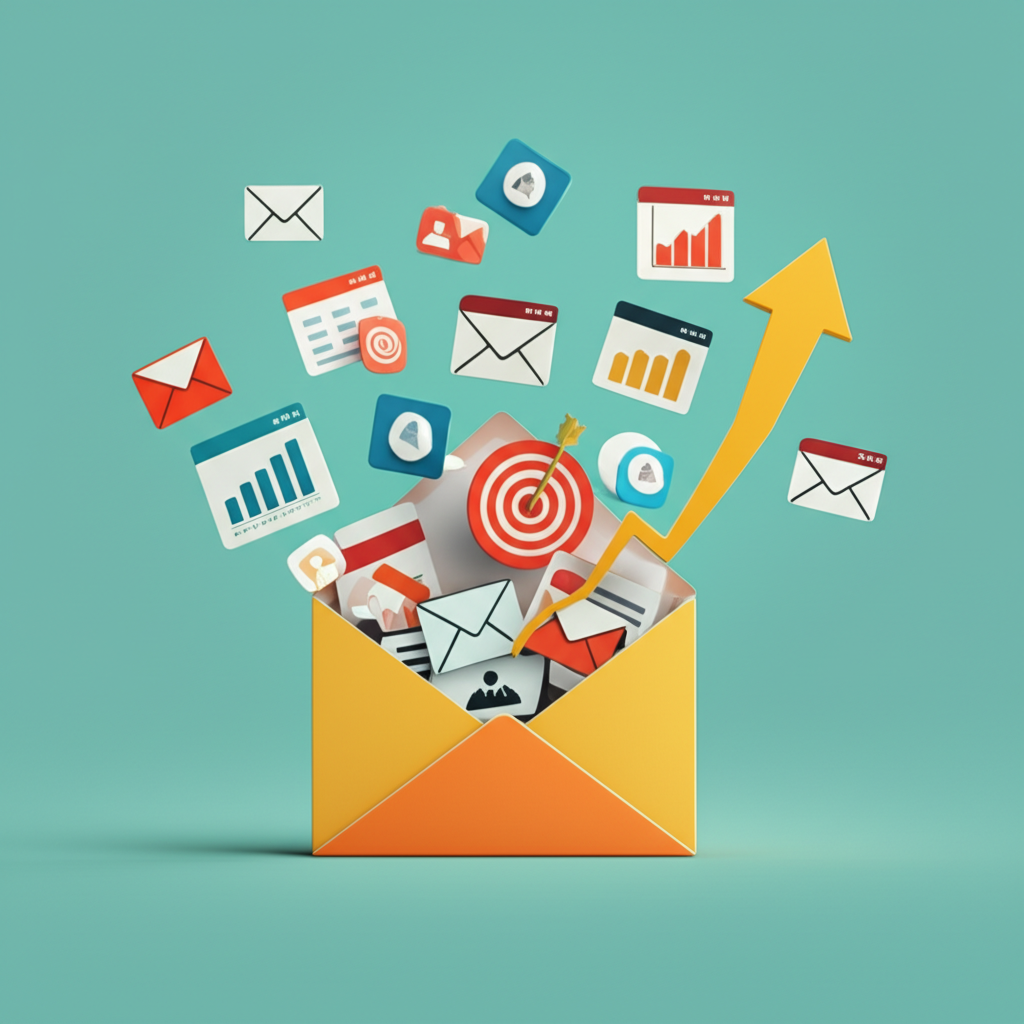
Unlike social media, where algorithms decide who sees what, your emails land right in their personal space. This means you have more control over who sees your message.
When done right, it builds trust, keeps your brand top-of-mind, and drives sales. Let’s dive into how to make it shine!
Step 1: Build a List of People Who Actually Want Your Emails
The first step to optimizing is having the right people on your list. It’s better to have 100 people who are super interested than 1,000 who don’t care.
This is called building an “opt-in” list. People willingly give you their email address because they want to hear from you.
How do you do this? Make it easy and appealing for them!
Smart Ways to Grow Your Email List
- Offer a Freebie (Lead Magnet): Give away something valuable in exchange for an email. Think a helpful checklist, a mini e-book, a discount code, or access to exclusive content.
- Use Sign-Up Forms on Your Website: Place clear sign-up boxes on your homepage, blog posts, and checkout pages.
- Run Contests or Giveaways: Ask people to sign up to enter.
- Promote on Social Media: Share links to your sign-up page on your social channels.
Remember, quality over quantity is key here. You want people who are genuinely interested in what you offer.
Step 2: Know Who You’re Talking To (Segmentation!)
Imagine you’re talking to a huge crowd. You can’t please everyone with one message, right? Email marketing is similar. Not everyone on your list wants the same thing.
Segmentation means splitting your big list into smaller groups based on shared interests or behaviors. This helps you send more relevant emails.
Relevant emails get opened more, get clicked more, and lead to more sales!
Simple Segmentation Ideas
- Demographics: Age, location, gender (if you have this info and it’s relevant).
- Interests: What topics do they seem most interested in? What products have they browsed?
- Purchase History: Have they bought from you before? What did they buy?
- Engagement Level: Are they super active readers, or do they rarely open emails?
Most email marketing tools make it pretty easy to set up these segments. Start with one or two simple ones!
Step 3: Craft Irresistible Subject Lines
Your subject line is the gatekeeper to your email. If it’s boring, people will just skip it. If it’s great, they’ll be eager to open!
Think of it as a mini-headline that needs to grab attention and make someone curious.
Keep it short, clear, and intriguing. Avoid spammy words!
Tips for Awesome Subject Lines
- Be Clear and Concise: What’s the email about?
- Create Curiosity: “You won’t believe what happened next…”
- Offer Value: “Your weekly dose of marketing tips” or “Save 20% today only!”
- Personalize: Use their name if possible. “John, a special offer just for you”
- Use Emojis (Sparingly): 🚀 Get your business booming!
- Create Urgency: “Last chance: Sale ends tonight!”
Step 4: Write Engaging Email Content
Once they open your email, you need to keep them reading! Your content should be valuable, easy to digest, and guide them towards your goal.
Remember, you’re having a friendly chat. Keep your tone conversational and helpful.
Making Your Email Content Shine
- Focus on the Reader: What’s in it for them?
- Keep it Simple: Short sentences and paragraphs. Break up text with bullet points.
- Tell a Story: People connect with stories.
- Clear Call to Action (CTA): What do you want them to do next? Make it super obvious!
- Use Visuals: Images or GIFs can make emails more appealing.
Your CTA should be a button or a clear link. Examples: “Shop Now,” “Learn More,” “Download Your Free Guide,” “Book a Call.”
Step 5: Design for Mobile First
Most people check their email on their phones. If your email looks messy on a small screen, they’ll delete it instantly.
Most email marketing services offer mobile-friendly templates. Always preview your emails on a phone before sending!
Mobile Design Checklist
- Single-Column Layout: Easiest to read on mobile.
- Large, Clear Fonts: Easy to read without zooming.
- Big Buttons: Easy to tap with a thumb.
- Short Subject Lines: So they don’t get cut off.
- Concise Content: Get to the point quickly.
Step 6: Test, Test, Test! (A/B Testing)
How do you know what’s working best? You test it! This is called A/B testing, where you send two different versions of an email to small groups of your list.
You test one thing at a time, like a different subject line or a different button color.
This helps you learn what your audience responds to best, so you can improve future emails.
What to A/B Test
- Subject Lines: See which one gets more opens.
- Call to Action (CTA) Text: “Shop Now” vs. “Get Your Discount”
- Email Copy: Different opening lines or main message.
- Images: Which image grabs more attention?
- Send Time: When do most people open your emails?
Many email marketing platforms have built-in A/B testing tools. Start small and see what you learn!
Step 7: Analyze Your Results
After you send an email, it’s time to look at the numbers. Don’t be scared of data; it’s your friend! It tells you what’s working and what’s not.
Your email marketing service will give you reports. These reports are packed with clues to help you improve.
Key Metrics to Watch
| Metric | What it means | What’s a good range? |
|---|---|---|
| Open Rate | Percentage of people who opened your email. | 20-25% (can be higher for engaged lists) |
| Click-Through Rate (CTR) | Percentage of people who clicked a link in your email. | 2-5% (can be higher for targeted offers) |
| Conversion Rate | Percentage of people who completed your desired action (e.g., made a purchase). | Varies widely, but aim to improve it! |
| Unsubscribe Rate | Percentage of people who unsubscribed. | Under 0.5% is good. High rates mean your content might not be relevant. |
A good starting point for your email list is an open rate around 20-25% and a click-through rate around 2-5%. If your numbers are lower, don’t worry! It just means there are opportunities to improve.
Step 8: Automate for Efficiency
Automation sounds fancy, but it’s just setting up emails to be sent automatically based on certain triggers. This saves you tons of time and ensures people get timely messages.
Think of it as setting up a helpful assistant for your email marketing.
Popular Email Automations
- Welcome Series: A sequence of emails sent to new subscribers. Introduce yourself, share your story, and highlight your best offerings.
- Abandoned Cart Emails: If someone adds items to their cart but doesn’t buy, send them a reminder email.
- Birthday/Anniversary Emails: Send a special offer on their birthday or the anniversary of their sign-up.
- Re-engagement Campaigns: For subscribers who haven’t opened emails in a while, send a special offer to win them back.
Automations help you nurture leads and customers 24/7 without you having to lift a finger for each email.
Choosing the Right Email Marketing Tool
There are many great tools out there to help you with all of this. They make sending emails, managing your list, and seeing your results much easier.
Here are a few popular ones that are great for beginners:
| Tool | What makes it great for beginners? | Good for: |
|---|---|---|
| Mailchimp | User-friendly interface, good free plan to start, lots of tutorials. | Small businesses, creatives, beginners. |
| MailerLite | Simple drag-and-drop editor, generous free plan, automation features. | Startups, bloggers, anyone wanting ease of use. |
| ConvertKit | Focuses on creators, excellent automation and segmentation, great for selling digital products. | Bloggers, online course creators, solopreneurs. |
| HubSpot Marketing Hub | All-in-one marketing platform, powerful free CRM, great for growing businesses. | Businesses wanting an integrated marketing solution. |
Many of these offer free plans to get you started. You can check out Mailchimp or MailerLite to see which one feels right for you.
Frequently Asked Questions (FAQs)
How can I start email marketing with no money?
You can start with free plans from email marketing services like MailerLite or Mailchimp. They allow you to build a list and send emails to a certain number of subscribers for free. Focus on creating a great freebie to attract subscribers.
How do I write subject lines people click?
Keep them short, clear, and intriguing. Use personalization (like their name), create curiosity, offer value, or add a sense of urgency. Avoid spammy words like “free money” or excessive exclamation marks!
How often should I email my list?
There’s no one-size-fits-all answer. Start with once a week. The key is consistency and providing value. Pay attention to your open and unsubscribe rates. If people are unsubscribing, you might be emailing too often or your content isn’t hitting the mark.
How do I know if my email is working?
Look at your email marketing reports! Track your open rates (are people opening them?), click-through rates (are they clicking links?), and conversion rates (are they taking the action you want, like buying?). Also, watch your unsubscribe rate.
How do I stop my emails from going to spam?
1. Only email people who’ve given you permission to email them. 2. Make sure your emails are relevant and valuable. 3. Use a reputable email marketing service. 4. Avoid spammy words and excessive links. 5. Encourage people to add you to their contacts.
What is a good conversion rate for email marketing?
Conversion rates vary a lot depending on your industry, offer, and list quality. For e-commerce, a 1-3% conversion rate from email is often considered good. For lead generation or other goals, it might be different. The most important thing is to track your own rate and aim to improve it over time!
You’ve Got This!
See? Optimizing your email marketing isn’t about having a massive budget or being a tech wizard. It’s about being thoughtful, understanding your audience, and sending emails that genuinely help and connect.
You’ve learned how to build a list of eager subscribers, how to talk directly to them with great subject lines and content, and how to use simple tools to make it all happen. You’ve got the power to turn those emails into real results!
So, take a deep breath, pick one tip you learned today, and try it out. Whether it’s crafting a better subject line or adding a clear call to action, every small step makes a big difference.
You’re on your way to building amazing relationships with your audience and watching your business grow. Keep learning, keep experimenting, and most importantly, keep being you. Happy emailing!