

Sending emails to lots of people is super easy with the right tools! This guide shows you how to send mass emails, grow your list, and write emails people love to open. No tech stress, just simple steps to connect with your audience and boost your business.
Hey there! So, you want to send emails to a bunch of people at once, huh? It sounds like a big job, and maybe a little scary. You might be thinking, “Will my emails even get seen?” or “How do I even start?” I get it! It can feel like a puzzle with too many pieces.
But guess what? It doesn’t have to be hard. Email marketing is like having a friendly chat with your customers. And sending emails to many people is just a way to have that chat with more friends at once!
I’m Jack, and I’m here to make email marketing fun and simple. We’ll go step-by-step, and I promise to keep it easy. By the end of this guide, you’ll know exactly how to send mass emails that people actually want to read. Ready to start connecting?
What is Mass Email Marketing?
Basically, mass email marketing is sending the same email to a big group of people at the same time. Think of it like sending out flyers, but way more efficient and way more personal!
It’s a fantastic way for businesses, big or small, to talk to their customers. You can share news, special offers, or just say hello. It’s all about building relationships and keeping people in the loop.
Why You Should Use Mass Email Marketing
Sending emails to many people is a smart move for your business. Here’s why it’s awesome:
- It’s affordable: Compared to other ways of advertising, email marketing is super budget-friendly.
- It reaches people directly: Your email lands right in their inbox, a place they check often.
- You own your list: Unlike social media followers, your email list is yours.
- It builds relationships: Regular, helpful emails make people trust you more.
- It drives sales: Special offers and announcements can lead to more customers.
Getting Started: Your Easy Checklist
Before you send your first mass email, there are a few simple things to get ready. Don’t worry, we’ll take it slow!
1. Build Your Email List (The Right Way!)
This is the most important step! You need people to send emails to. But, we only want people who want to hear from you.
- Sign-up Forms: Put easy-to-find forms on your website. Offer something cool, like a discount or a free guide, to encourage sign-ups.
- Social Media: Share links to your sign-up form on your social media pages.
- In-Person: If you have a physical store or attend events, ask people if they’d like to join your email list.
- Never Buy Lists: This is a big no-no! Buying email lists can get you into trouble and annoys people.
2. Choose an Email Marketing Service (EMS)
You don’t want to send emails one by one from your regular inbox. That’s a ton of work and might get you marked as spam! An EMS helps you manage your list, create nice-looking emails, and send them to everyone at once. Plus, they handle all the technical stuff.
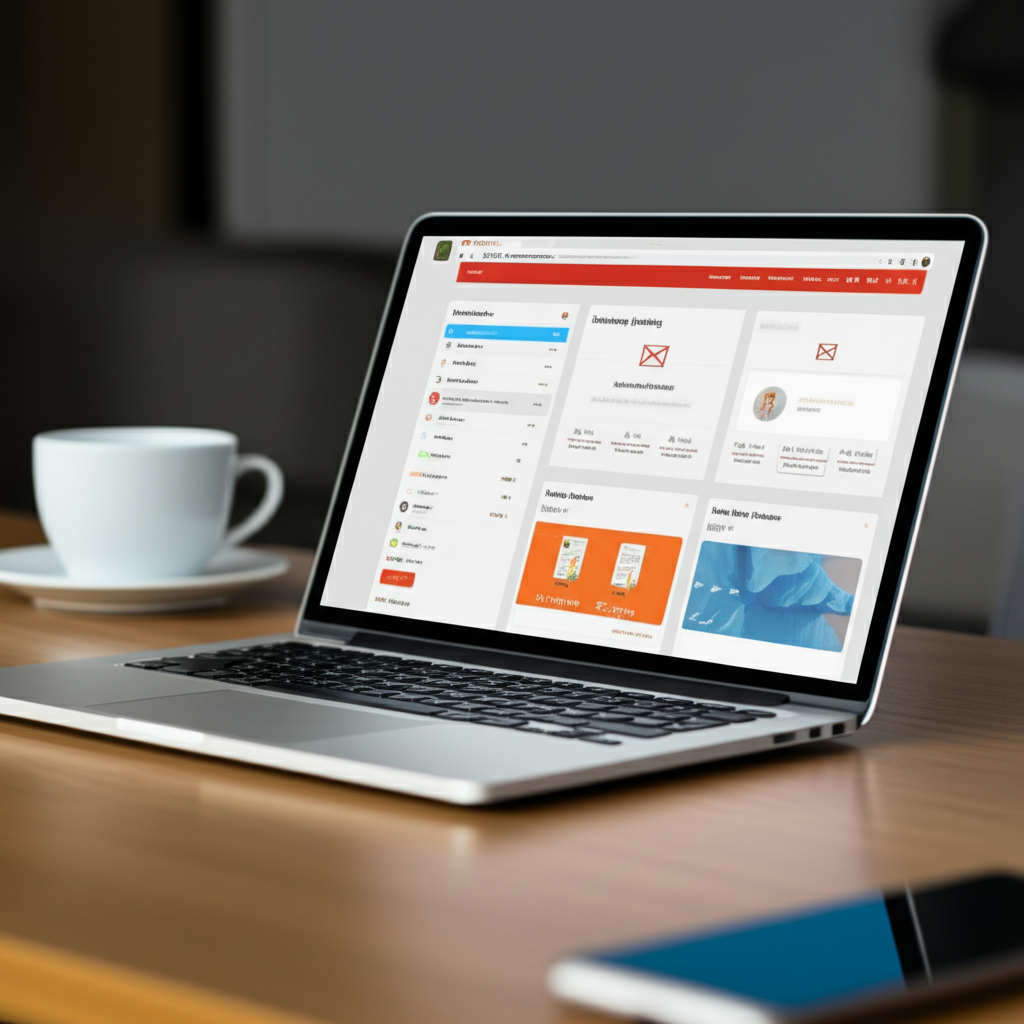
Here are a few popular and beginner-friendly options:
| Service Name | What Makes It Great for Beginners | Good For |
|---|---|---|
| Mailchimp | Super easy to use, lots of templates, generous free plan to start. | Small businesses, bloggers, creative folks. |
| MailerLite | Clean interface, great automation features even on free plans, good support. | Startups, small to medium businesses, anyone wanting simple automation. |
| Sendinblue (now Brevo) | Offers email, SMS, and chat all in one. Good free tier for sending. | Businesses looking for an all-in-one marketing platform. |
| ConvertKit | Designed for creators, bloggers, and online course sellers. Very focused on audience building. | Content creators, coaches, anyone selling digital products. |
Most of these services offer a free plan to get you started. This is perfect for learning the ropes!
3. Design Your Email
Your email should look good and be easy to read. Most EMS have drag-and-drop editors that are like playing with building blocks. You can choose templates and add your own pictures and text.
- Keep it Simple: Don’t cram too much in. A clear message is best.
- Use Your Brand Colors: Make it look like it’s from you!
- Add Your Logo: People should know who it’s from instantly.
- Mobile-Friendly: Most people check emails on their phones, so make sure it looks good on a small screen. Your EMS will usually handle this for you!
4. Write Compelling Content
This is where the magic happens! What will you say?
- Subject Line: This is the first thing people see. Make it exciting, clear, or intriguing so they want to open your email.
- Greeting: Use the person’s name if you can! “Hi [Name],” feels much friendlier than “Dear Customer.”
- The Body: Get straight to the point. Tell them what’s in it for them. Use short sentences and paragraphs.
- Call to Action (CTA): What do you want them to do next? Click a link? Visit your website? Make it super clear with a button or a link.
- Closing: A simple “Thanks,” or “Best,” with your name or company name is perfect.
5. Send and Track
Once your email is ready, you’ll hit send! But don’t stop there. Your EMS will show you how your email did. This is super helpful for learning what works.
- Open Rate: How many people opened your email?
- Click-Through Rate (CTR): How many people clicked on a link in your email?
- Unsubscribe Rate: How many people chose to leave your list? (A few are normal!)
Knowing these numbers helps you make your next emails even better. For example, if your open rate is low, maybe your subject line needs work. If your CTR is low, maybe your CTA isn’t clear enough or the content isn’t engaging.
Step-by-Step: Sending Your First Mass Email
Let’s walk through the actual process with your EMS. We’ll use a common flow, but your specific tool might look a little different. Don’t sweat it; the steps are similar!
Step 1: Log In to Your Email Marketing Service
Open your chosen EMS (like Mailchimp, MailerLite, etc.) and log in to your account.
Step 2: Create a New Campaign
Look for a button that says “Create Campaign,” “New Email,” or something similar. Click it!
Step 3: Choose Your Audience
You’ll need to select which list or segment of your subscribers you want to send this email to. If you’re just starting, you’ll likely have one main list.
Step 4: Set Up Your Email Details
This is where you’ll fill in:
- From Name: How your name will appear (e.g., “Jack from LTDWave”).
- From Email Address: The email address people will see it came from.
- Subject Line: Your catchy headline!
- Preview Text: A short snippet that appears after the subject line in some inboxes.
Step 5: Design Your Email Content
Now, you’ll pick a template or start from scratch. Use the drag-and-drop editor to add your text, images, and buttons.
Quick Tip: Always preview your email! Most EMS let you see how it will look on both desktop and mobile devices. You can also send a test email to yourself to see it in your own inbox.
Step 6: Review and Schedule or Send
Before you send, give everything one last look. Check for typos, broken links, and make sure your message is clear.
You’ll usually have two options:
- Send Now: Your email goes out immediately.
- Schedule for Later: You can pick a specific date and time for your email to be sent. This is great for reaching people when they’re most likely to read it!
Step 7: Track Your Results
After sending, go back to your EMS dashboard. Find the report for the campaign you just sent. Look at your open rates, click rates, and other stats. This is your learning ground!
Tips for Writing Emails People Love
It’s not just about sending emails; it’s about sending emails that make people feel good and want to connect more.
- Be Human: Write like you’re talking to a friend. Use a friendly tone and avoid jargon.
- Provide Value: Share helpful tips, interesting stories, or exclusive discounts. Give them a reason to open your emails.
- Personalize: Use their name! If you have more data, like their favorite product or location, use that too.
- Keep it Concise: People are busy. Get to the point quickly.
- Make it Scannable: Use headings, bullet points, and bold text to highlight important information.
- Proofread: Typos and grammatical errors can make you look unprofessional.
Understanding Your Email Marketing Stats
Those numbers your EMS gives you are like a secret code to understanding your audience. Here’s a simple breakdown of what’s good:
| Metric | What It Means | What’s Generally Considered Good |
|---|---|---|
| Open Rate | Percentage of people who opened your email after seeing it. | 20-30% (can vary a lot by industry!) |
| Click-Through Rate (CTR) | Percentage of people who clicked a link in your email after opening it. | 2-5% (again, varies by industry) |
| Unsubscribe Rate | Percentage of people who opted out of your list. | Less than 0.5% (higher might mean your content isn’t a good fit or you’re emailing too often) |
| Bounce Rate | Percentage of emails that couldn’t be delivered. | Under 2% (high bounces often mean old or invalid email addresses) |
Don’t get too hung up on hitting perfect numbers right away. Focus on improving over time and learning what resonates with your specific audience.
Common Questions About Mass Email Marketing
You’ve got questions? I’ve got friendly answers!
How can I start email marketing with no money?
Great question! Many email marketing services offer free plans. Mailchimp, MailerLite, and Brevo all have free tiers that let you start building your list and sending emails to a certain number of subscribers. You can use these free plans until your list grows bigger!
How do I write subject lines people click?
Make them clear, exciting, or create a little curiosity! Try asking a question, highlighting a benefit (like a discount!), or using a touch of urgency. Keep them short and to the point. For example, “Your Weekly Tips Inside!” or “Don’t Miss Our 50% Off Sale!”
How often should I email my list?
There’s no single answer, but consistency is key! For many businesses, once a week or twice a month is a good starting point. Pay attention to your unsubscribe rates. If they jump up after an email, you might be sending too often or your content isn’t hitting the mark.
How do I know if my email is working?
Look at your stats! Your email marketing service will show you how many people opened your email (open rate) and how many clicked on links (click-through rate). If these numbers are good, your email is working! Also, track if your emails lead to sales or website visits.
How do I stop my emails from going to spam?
First, always get permission to email people. Never buy lists! Use a reputable email marketing service. Make sure your emails are relevant and provide value. Also, ensure your “from” name and email address are clear and professional. Keep your list clean by removing old, unengaged subscribers.
What’s the difference between a list and a segment?
A list is your entire group of subscribers. A segment is a smaller, specific group within your list. For example, you might have a list of “All Customers,” and a segment of “Customers Who Bought Product X” or “Customers in California.” You can send targeted emails to these segments!
How do I get people to open my emails?
It’s all about building trust and offering value! Send emails people actually want to receive. Make your subject lines interesting. Personalize emails when you can. Be consistent so they know what to expect. And, of course, make sure your emails are well-written and offer something useful or exciting.
Conclusion: You’ve Got This!
See? Sending mass emails isn’t rocket science. It’s really about connecting with people in a friendly, helpful way. You’ve learned how to build your list the right way, pick a great tool, craft emails that people want to open, and understand how to make them even better next time.
Remember, every email you send is an opportunity to build a stronger relationship with your audience. Start simple, be consistent, and always focus on giving value. You have the power to make your business shine through your emails.
So, take a deep breath, pick your favorite email tool, and send out that first campaign. I’m cheering you on! You’re going to do great!