

MailerLite is a super easy email marketing tool that helps you send great emails to your friends and customers. It makes building your email list, writing beautiful emails, and seeing how they do, simple and fun, even if you’re just starting out.
Hey There! Let’s Talk Email Marketing
So, you’re looking into email marketing, huh? That’s awesome! It can feel a bit like trying to learn a new language sometimes, with all the tools and terms. You might be wondering, “What exactly is MailerLite, and can it really help me?”
Don’t worry, that’s totally normal! Many people find email marketing a little confusing at first. But what if I told you it doesn’t have to be? What if it could be as simple as having a friendly chat with people who are interested in what you do?
That’s where MailerLite comes in! Think of me, Jack, as your friendly guide from LTDWave. My job is to make this whole email marketing thing feel easy and exciting for you. We’ll break it down step-by-step, so you feel confident and ready to send emails that people actually love to open.
In this guide, we’ll explore what MailerLite is all about and how it can be your secret weapon for connecting with your audience. We’ll cover everything you need to know to get started and feel great about your email marketing journey.

What Exactly Is MailerLite?
Imagine you have a bunch of friends who love your ideas, your products, or your stories. Email marketing is like sending them a special note, just for them, whenever you have something exciting to share. MailerLite is the super-friendly tool that helps you do just that!
It’s a platform designed to make sending emails simple, even if you’ve never done it before. It helps you:
Collect emails: Get people to sign up so you can send them your notes.
Write emails: Create beautiful emails that look great on any device.
Send emails: Blast out your messages to your list.
See how they do: Understand if people are opening and clicking your emails.
It’s like having a helpful assistant for all your email needs, but without the stuffy office!
Why Choose MailerLite for Your Email Marketing?
There are lots of email tools out there, but MailerLite is a real gem, especially for beginners. Here’s why it’s a favorite for many just starting out:
Super Simple to Use
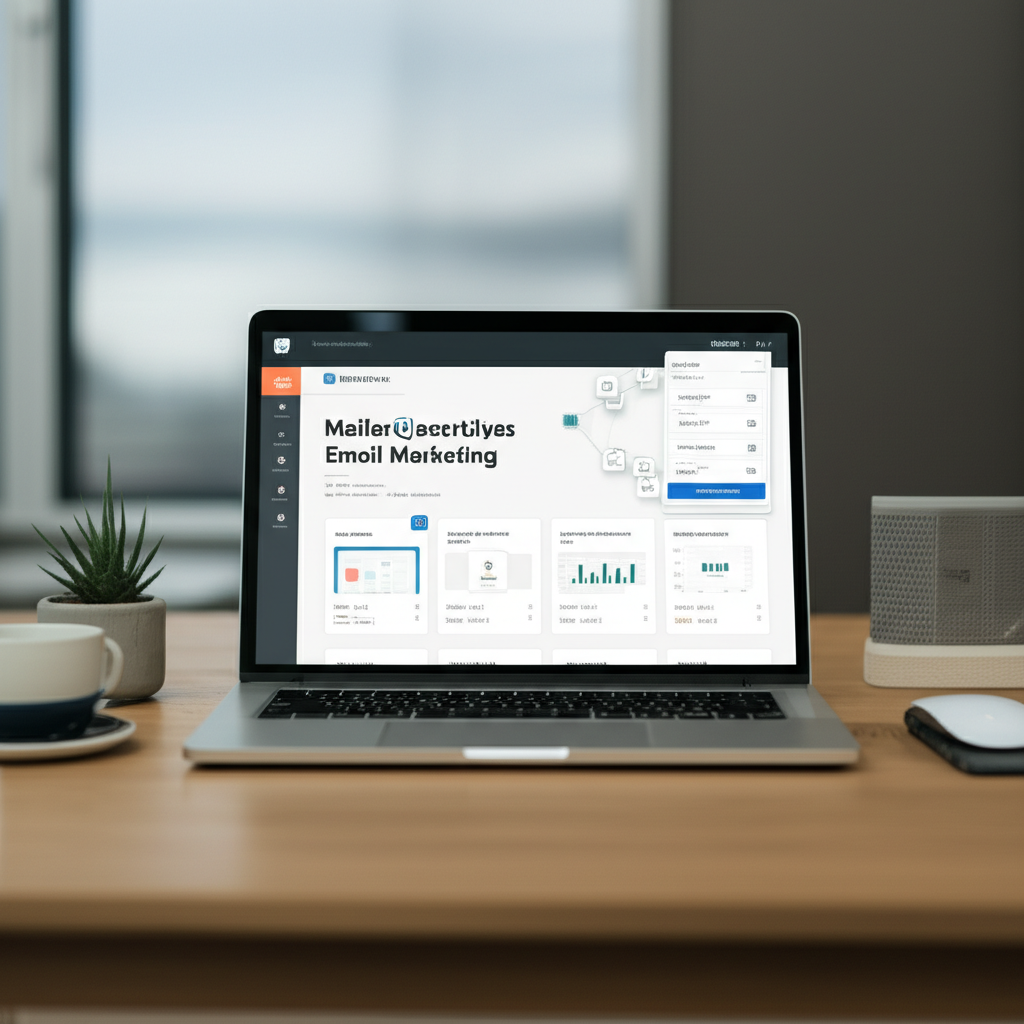
This is the biggest win! MailerLite is built with simplicity in mind. Their dashboard is clean, and finding what you need is easy. You won’t get lost in confusing menus.
Great Free Plan
Many tools cost a lot to start. MailerLite offers a fantastic free plan that lets you send up to 1,000 emails a month to 1,000 subscribers. This is perfect for testing the waters or for small projects.
Beautiful Email Templates
Worried about making your emails look professional? MailerLite has tons of stylish templates you can easily customize. Drag and drop your text, images, and voilà! A beautiful email ready to go.
Helpful Automation Features
As you grow, you’ll want to send emails automatically. MailerLite makes this easy. Think welcome emails for new subscribers or birthday greetings. It saves you time and makes your communication feel personal.
Good Support
Even with a simple tool, you might have questions. MailerLite offers good customer support to help you out.
MailerLite vs. Other Email Marketing Tools
It’s good to know how MailerLite stacks up. Here’s a quick look at how it compares to some other popular options. Remember, the “best” tool depends on what you need!
| Feature | MailerLite | Mailchimp | ConvertKit |
|---|---|---|---|
| Ease of Use (Beginner) | Excellent | Good | Good (more focused on creators) |
| Free Plan | Generous (1k subscribers, 1k emails/month) | Good (but often limits features) | Generous (1k subscribers, unlimited emails) |
| Templates | Easy to use, good variety | Many options, can be complex | Simple, focused on text-based emails |
| Automation | User-friendly, good for beginners | Powerful, but can be complex | Very powerful for creators, strong workflows |
| Pricing (Paid Plans) | Affordable, scales well | Can get expensive quickly | Starts higher, geared towards creators |
As you can see, MailerLite often hits that sweet spot for beginners who want power without complexity and at a great price.
Getting Started with MailerLite: Your First Steps
Ready to jump in? It’s simpler than you think!
Step 1: Sign Up for a Free Account
Head over to the MailerLite website. Look for the “Sign Up” or “Get Started for Free” button. You’ll need your email address and create a password. They’ll likely send you a confirmation email, so check your inbox and click the link to verify your account.
Step 2: Set Up Your Profile
Once you’re in, you’ll be asked to fill in some details about yourself and your business. This is important for them to know who you are and to help you comply with email rules.
Step 3: Create Your First Signup Form
This is how people will join your email list. MailerLite makes this a breeze.
Go to the “Forms” section.
Click “Create signup form.”
Choose a simple, clean design.
Add fields like “Name” and “Email Address.”
Give your form a name (e.g., “Website Signup Form”).
Save it!
Step 4: Add Your Subscribers (or Let Them Sign Up!)
You can manually add contacts if you have a small list already. Or, you can embed your signup form on your website, share a link to it, or use it in your social media. When people fill it out, they’ll automatically be added to your list in MailerLite.
Step 5: Write and Send Your First Email Campaign
Now for the fun part!
Go to the “Campaigns” section.
Click “Create campaign.”
Choose “Regular campaign.”
Give your campaign a name (this is just for you to see).
Select the subscribers you want to send it to.
Write a catchy subject line (we’ll talk more about this!).
Design your email. Use the drag-and-drop editor. Add your text, maybe a picture, and a call to action (like “Visit our website” or “Read the latest blog post”).
Preview your email to see how it looks.
Hit “Send”!
See? Not so scary, right?
What Can You Actually Do with MailerLite?
MailerLite is more than just sending emails. It’s about building relationships. Here are some cool things you can do:
Build Your Email List
Landing Pages: Create simple, dedicated pages with your signup form. Perfect for promotions or lead magnets.
Forms: Embeddable forms for your website or blog.
Pop-ups: Gentle pop-up forms that appear as visitors browse your site.
Create Beautiful Emails
Drag-and-Drop Editor: Easily design emails without any coding.
Templates: Lots of pre-made designs for different needs.
Personalization: Use subscriber names to make emails feel more personal.
Automate Your Emails
Welcome Series: Automatically send a series of emails to new subscribers.
Birthday Emails: Delight your subscribers with a special message on their birthday.
Abandoned Cart Emails: For online stores, remind customers about items left in their cart.
Understand Your Results
Open Rate: See how many people opened your email.
Click-Through Rate (CTR): See how many people clicked on a link in your email.
Unsubscribe Rate: See how many people chose to leave your list.
This data helps you learn what works and what your audience loves!
Key MailerLite Features for Beginners
Let’s zoom in on some of the features that make MailerLite a beginner’s best friend:
Campaigns: This is where you create and send your one-off emails. It’s straightforward and easy to navigate.
Automations: This is where the magic happens for sending emails automatically. The visual builder makes it easy to map out your email sequences.
Forms: Design and manage all your signup forms, landing pages, and pop-ups here.
Subscribers: This is your list of contacts. You can segment them (group them) based on interests or actions.
Website: MailerLite even has a simple website builder if you need a basic online presence!
Making Your Emails People Want to Open
Sending emails is one thing, but getting people excited to open them is another. Here are some quick tips:
1. Craft a Killer Subject Line
Your subject line is like the headline of a newspaper. It needs to grab attention.
Be clear: Tell them what the email is about.
Create curiosity: Ask a question or hint at something exciting.
Personalize: Use their name if you can.
Keep it short: Many people read emails on their phones.
Avoid spam triggers: Words like “free money,” “guarantee,” or too many exclamation points can send you to the spam folder.
2. Write Engaging Email Content
Once they open it, what’s inside?
Keep it simple: Use short sentences and paragraphs.
Be helpful: Offer tips, advice, or solutions.
Tell stories: People connect with stories.
Have a clear call to action: What do you want them to do next? (e.g., “Click here to learn more,” “Shop now”).
3. Design Matters
Use your branding: Stick to your colors and fonts.
Include visuals: Images or GIFs can make emails more interesting, but don’t overdo it.
Make it mobile-friendly: Most people check email on their phones. MailerLite templates are usually good for this.
Understanding Your Email Marketing Results
How do you know if your emails are doing well? MailerLite gives you stats.
Here’s a simple way to think about common email rates:
| Metric | What It Means | Good Example (for beginners) | Why It’s Important |
|---|---|---|---|
| Open Rate | Percentage of people who opened your email. | 20% – 30% or higher | Shows if your subject line and sender name are working. |
| Click-Through Rate (CTR) | Percentage of people who clicked a link in your email. | 2% – 5% or higher | Shows if your email content is interesting and your call to action is clear. |
| Unsubscribe Rate | Percentage of people who unsubscribed. | Less than 0.5% | A high rate might mean your content isn’t relevant or you’re emailing too often. |
Don’t get too hung up on these numbers at first. The most important thing is to learn and improve!
Frequently Asked Questions About MailerLite
Got more questions? I’ve got friendly answers!
How can I start email marketing with no money?
MailerLite’s free plan is your best friend here! You can start with up to 1,000 subscribers and send 1,000 emails per month without paying a dime. This is plenty to get your email list growing and send out your first few newsletters.
How do I write subject lines people click?
Think about what would make you open an email. Is it curiosity? A great offer? A personal touch? Try to be clear, exciting, and maybe even a little bit intriguing. Keep them short and avoid spammy words. Testing different subject lines is key!
How often should I email my list?
This really depends on your audience and what you have to share. For many beginners, once a week or once every two weeks is a good starting point. The key is to be consistent and to only email when you have something valuable to share. Don’t email just for the sake of it!
How do I know if my email is working?
MailerLite shows you the stats! Look at your open rate (did they open it?) and your click-through rate (did they click a link?). If people are opening and clicking, your email is working! If not, it’s a sign to try a different subject line or a more interesting email body.
How do I stop my emails from going to spam?
Great question! Always get permission before adding someone to your list. Make it easy for people to unsubscribe. Use clear language, avoid excessive capitalization or exclamation points, and don’t send too many emails too quickly. MailerLite itself is good at helping you stay compliant.
Can I use MailerLite for my online store?
Yes, you absolutely can! MailerLite integrates with popular e-commerce platforms like Shopify and WooCommerce. You can send order confirmations, abandoned cart reminders, and even special offers to your customers.
What if I need more help with MailerLite?
MailerLite has a great help center with lots of articles and tutorials. They also offer customer support, which can be very helpful when you’re just starting out. Don’t be afraid to reach out!
Ready to Send Your First Email?
So, what is MailerLite email marketing platform? It’s your friendly, easy-to-use tool for connecting with your audience through email. It’s about building trust, sharing your passion, and growing your business, one friendly email at a time.
You’ve learned about what it is, why it’s great for beginners, how to get started, and even some tips for making your emails shine. You’ve got this!
The best way to learn is to do. So, go ahead and sign up for that free MailerLite account. Play around with the signup forms, try designing a simple email, and send it to yourself. See how it feels!
Remember, email marketing is like a conversation. Each email you send is a chance to strengthen that connection. Keep it simple, be yourself, and have fun with it. You’re on your way to building something wonderful!
Happy emailing!