
How To Organize Email Content With Sections And Spacing For Clarity

Start with clear headers for each section, use bullet points for key points, and add generous spacing between paragraphs to make your email easy to scan. These simple steps make your message more organized and reader-friendly, encouraging engagement. To organize your email content effectively, break your message into distinct sections using headings, employ spacing to … Read more
How To Add Clear Calls To Action In Your Emails For Better Engagement

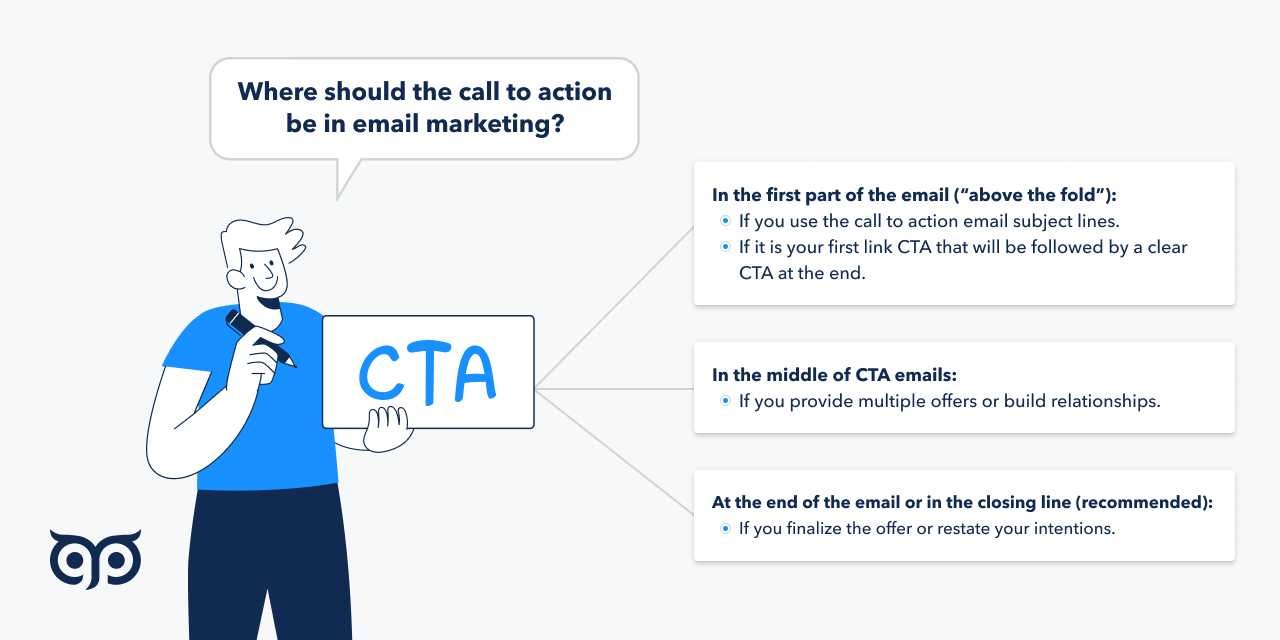
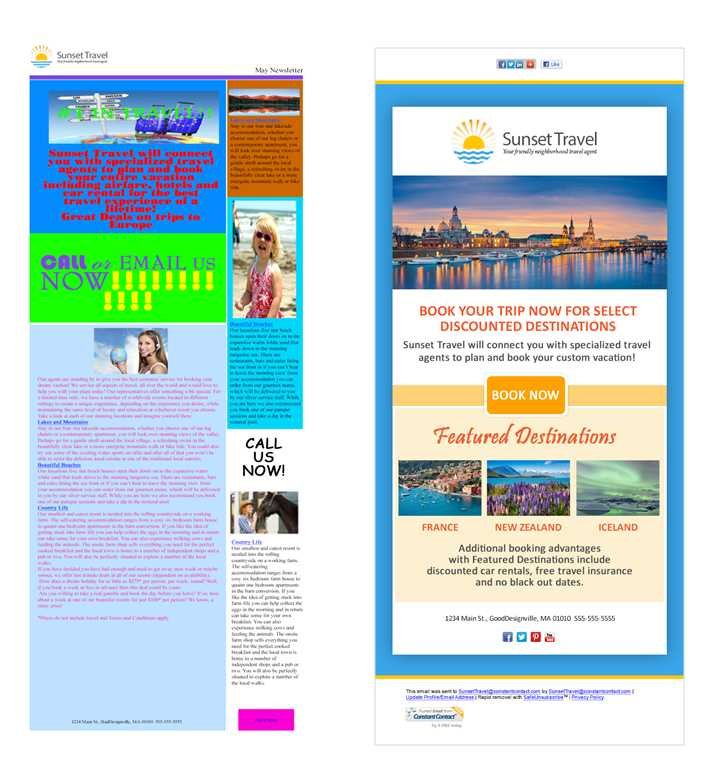
To add clear calls to action in your emails, make your buttons or links stand out with compelling language and eye-catching design. Keep your instructions simple and direct, so recipients know exactly what step to take next. Position your CTA prominently within your message and create a sense of urgency to motivate immediate response. Including … Read more

How To Choose Fonts And Colors For Email Design For Effective Communication

To select the perfect fonts and colors for your email design, focus on clarity, readability, and brand consistency. Use easy-to-read fonts and a color palette that complements your message and appeals to your audience, avoiding overly bright or clashing hues. Keep in mind the importance of contrast and simplicity to ensure your email looks professional … Read more

How To Structure Emails For Easy Reading: Effective Tips

The secret to getting your emails read and responded to lies in clear, well-organized structure. A straightforward email saves time for both you and your reader, ensuring your message hits home without confusion. To make your emails easy to read, focus on brevity, logical flow, and highlighting key points effectively. A well-structured email grabs attention … Read more

How To Create Mobile Responsive Email Layouts For Better Engagement

To make your email layouts mobile responsive, start by using flexible grids, scalable images, and media queries to adapt your design to any screen size. Keep your content simple, prioritize key information, and test thoroughly across devices. This approach ensures your emails look great and are easy to read on smartphones and tablets. Creating mobile … Read more

How To Design Clean And Professional Looking Emails Effectively

To create clean and professional-looking emails, focus on simplicity, consistent branding, and clear formatting. Use a tidy layout, stick to a straightforward color palette, and keep your message concise. Incorporate plenty of white space and ensure your content is easy to scan, making your emails both appealing and effective. Designing emails that look polished and … Read more