How To Design Emails That Guide The Reader To Action

To design emails that effectively guide readers toward taking action, focus on clear, compelling calls-to-action and visually appealing layouts that highlight your message. Use concise language and strategic placement of buttons or links to make it easy for recipients to understand what to do next. Personalization and urgency can also boost engagement by making the … Read more

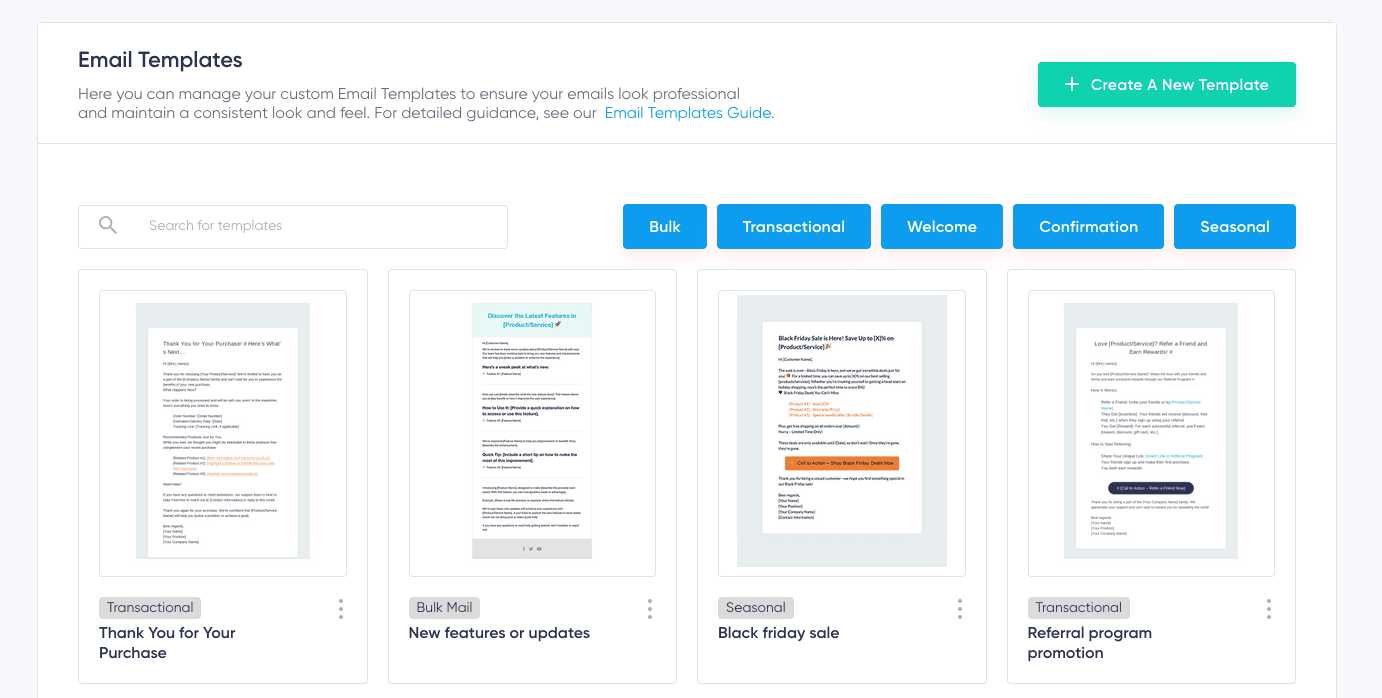
How To Maintain Consistent Email Design Templates Effectively

To keep your email design templates consistent, create a clear style guide and stick to it across all campaigns. Use standardized fonts, colors, and layouts, and save your templates for easy reuse. Regularly review and update your designs to ensure brand consistency and maintain a professional look. Maintaining consistent email design templates is essential for … Read more

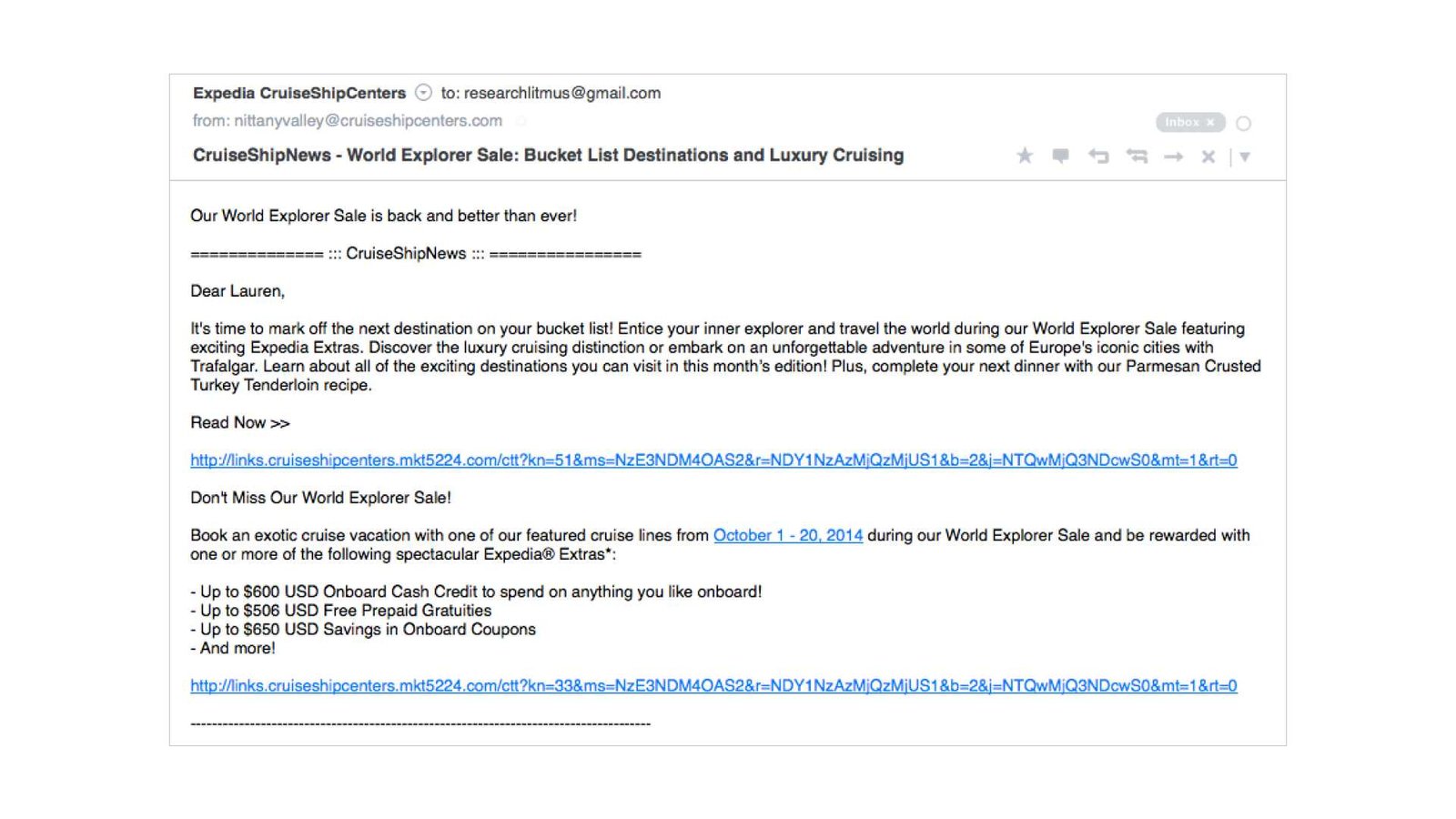
How To Use Buttons Instead Of Links For Clear Navigation

To make navigation on your website more intuitive, consider replacing traditional links with buttons. Buttons are more noticeable and easier to click on, especially on mobile devices, helping users find what they need quickly. To achieve this, style your buttons with clear labels and ensure they are accessible by using proper HTML markup and ARIA … Read more

How To Format Text For Better Readability In Emails

To make your emails clear and easy to read, use simple formatting techniques like short paragraphs, bullet points, and clear headings. Choosing readable fonts, adequate spacing, and highlighting important points with bold or italics can also boost comprehension. Proper formatting ensures your message is understood quickly and leaves a professional impression. Effective email formatting transforms … Read more

How To Design Emails That Work Across All Devices

Creating emails that look perfect on any device might seem tricky, but it’s absolutely doable with the right approach. The key is to use responsive design techniques that automatically adapt your email layout to fit screens of all sizes, from desktops to smartphones. Start with a flexible template, keep your content simple, and test thoroughly … Read more

How To Make Emails Load Faster With Optimized Images

To make your emails load faster with optimized images, compress and resize images before embedding or attaching them. Use appropriate formats like JPEG for photos and PNG for graphics, and consider lazy loading techniques for large images. These steps significantly reduce load times and improve user experience. Optimizing images for emails involves compressing and resizing … Read more

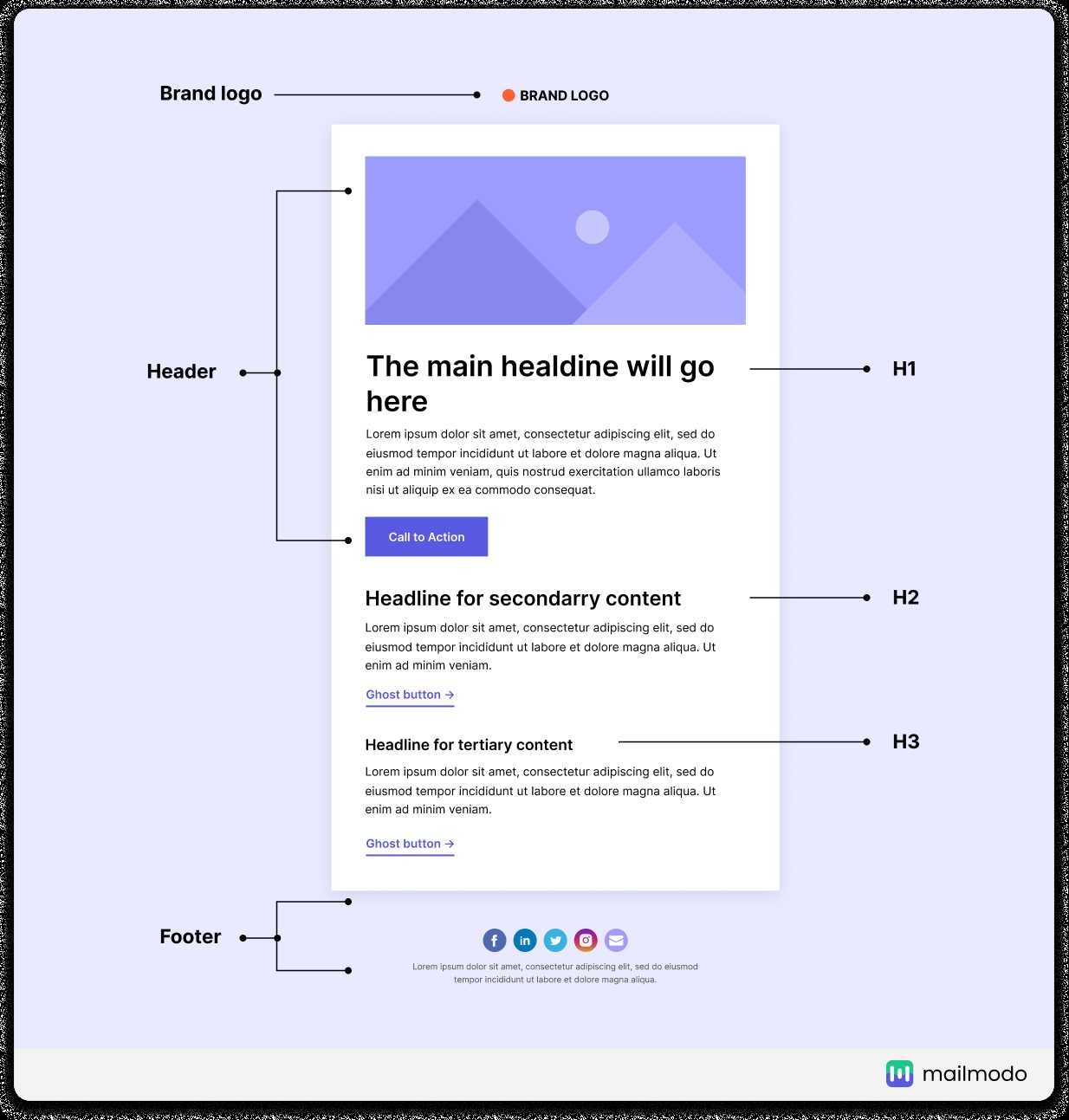
How To Create Visually Appealing Email Headers For Better Engagement

To create eye-catching email headers, focus on bold visuals, clear messaging, and consistent branding to instantly grab your reader’s attention. Use vibrant colors, compelling images, and clean typography to make your header stand out in crowded inboxes. Keep the design simple yet impactful, ensuring it aligns with your overall email message. A visually appealing email … Read more

How To Use Brand Elements In Email Design For Better Impact

To effectively incorporate brand elements into your email design, start by consistently using your logo, color palette, and typography throughout the email. Make sure these elements align with your overall brand identity to create a cohesive and recognizable message. Use visual cues like icons and imagery that reflect your brand style to reinforce recognition and … Read more

How To Organize Email Content With Sections And Spacing For Clarity

Start with clear headers for each section, use bullet points for key points, and add generous spacing between paragraphs to make your email easy to scan. These simple steps make your message more organized and reader-friendly, encouraging engagement. To organize your email content effectively, break your message into distinct sections using headings, employ spacing to … Read more